Projector Lumens Without a Standard Behind Them Tell You Almost Nothing
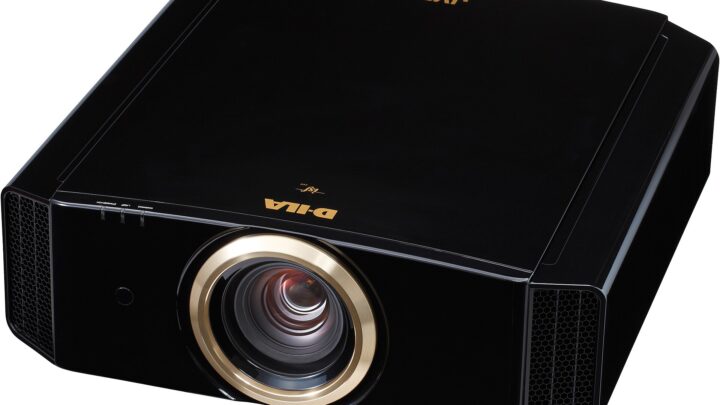
Projector brightness claims range from careful measurements to numbers with no method behind them. Screen size and room light then divide whatever light is real.
Topics
Formats
The site
Entertainment hardware is marketed on its best number: peak lumens, maximum refresh rate, 7.1 surround. The experience is usually limited by something else entirely — a worn potentiometer in a thumbstick, an uncertified cable, a room that is too bright, a streaming stick with too little memory for its apps.
The analyses here find that limiting part. They explain which certifications are worth checking, which brightness figures are measured to a standard, and which parts wear out in a year of heavy use.
Recommendations favor the component that removes the bottleneck over the upgrade with the biggest number.

6 articles
Projector brightness claims range from careful measurements to numbers with no method behind them. Screen size and room light then divide whatever light is real.
A headset has two drivers. Virtual 7.1 is processing, and PCs and consoles now provide similar spatial audio for headphones you already own. Mic and comfort decide more.
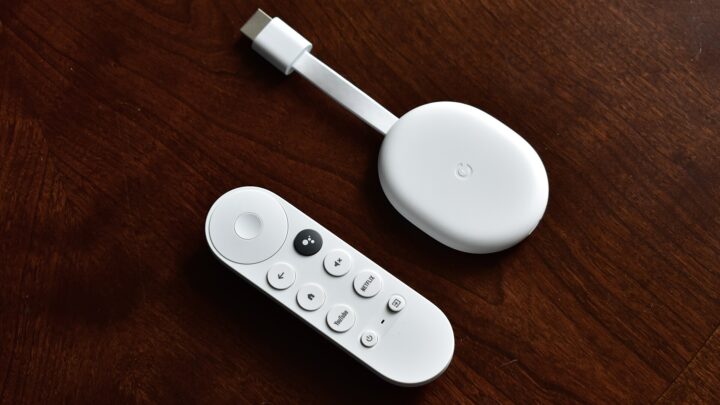
A streaming stick ships with fixed memory and storage. Apps, updates and home screens grow around it, and weak Wi-Fi behind the TV makes every slowdown feel worse.
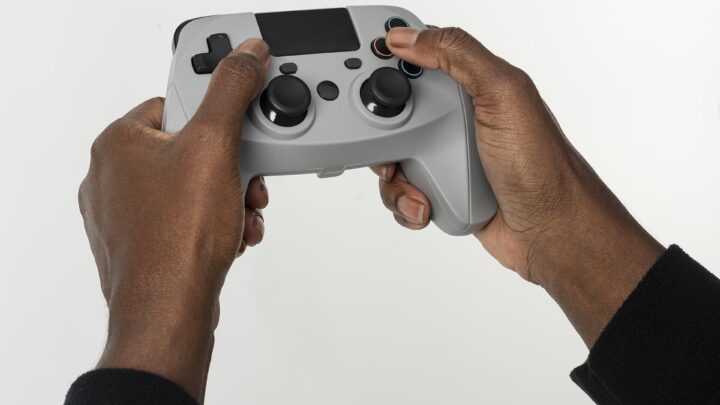
A drifting stick is usually a worn sensor, not a software bug. Calibration and contact cleaner can hide it for a while; a new stick module or magnetic sensing deals with the cause.
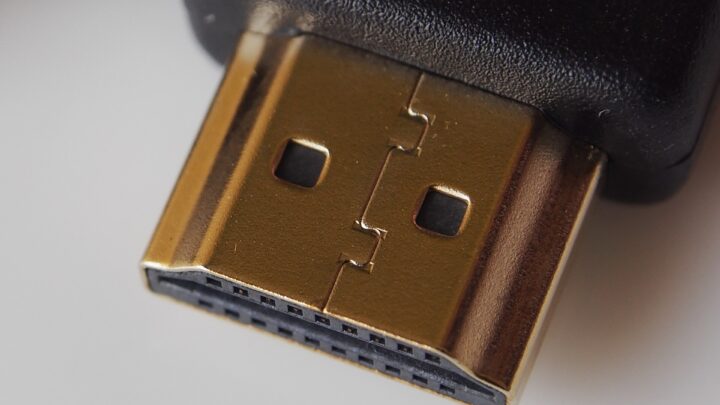
A cable that handled 4K at 60 Hz for years can flicker or drop out at 4K 120 Hz. The fix is usually a certified Ultra High Speed cable, but the TV port and settings matter too.
A familiar brand name at a doorbuster price does not guarantee the reviewed spec sheet. The model number, refresh rate and HDMI ports are what to verify first.