An Old HDMI Cable Is a Common Reason 4K 120 Hz Blacks Out
A cable that handled 4K at 60 Hz can flicker or black out at 4K 120 Hz. What the Ultra High Speed certification label means and what else to check first.

Part of the guide: Tech and Audio Buying Mistakes: What Fails and How to Check Before You Buy
A new console or graphics card, a TV that supports 120 Hz, and a picture that flickers, sparkles or drops to black every few minutes. Switching back to 60 Hz makes it stable again, which makes the cable an unlikely suspect.
It is often the cable. Higher refresh rates at 4K push far more data through the same wires, and a cable that was perfectly adequate at 4K 60 Hz may never have been tested at that load.
Fear Index · Think twice
A cable that worked yesterday failing at a new mode
Hours go into troubleshooting a console or TV that was never the problem, while the cable in between was never tested for the bandwidth now being asked of it.
What changes at 4K 120 Hz
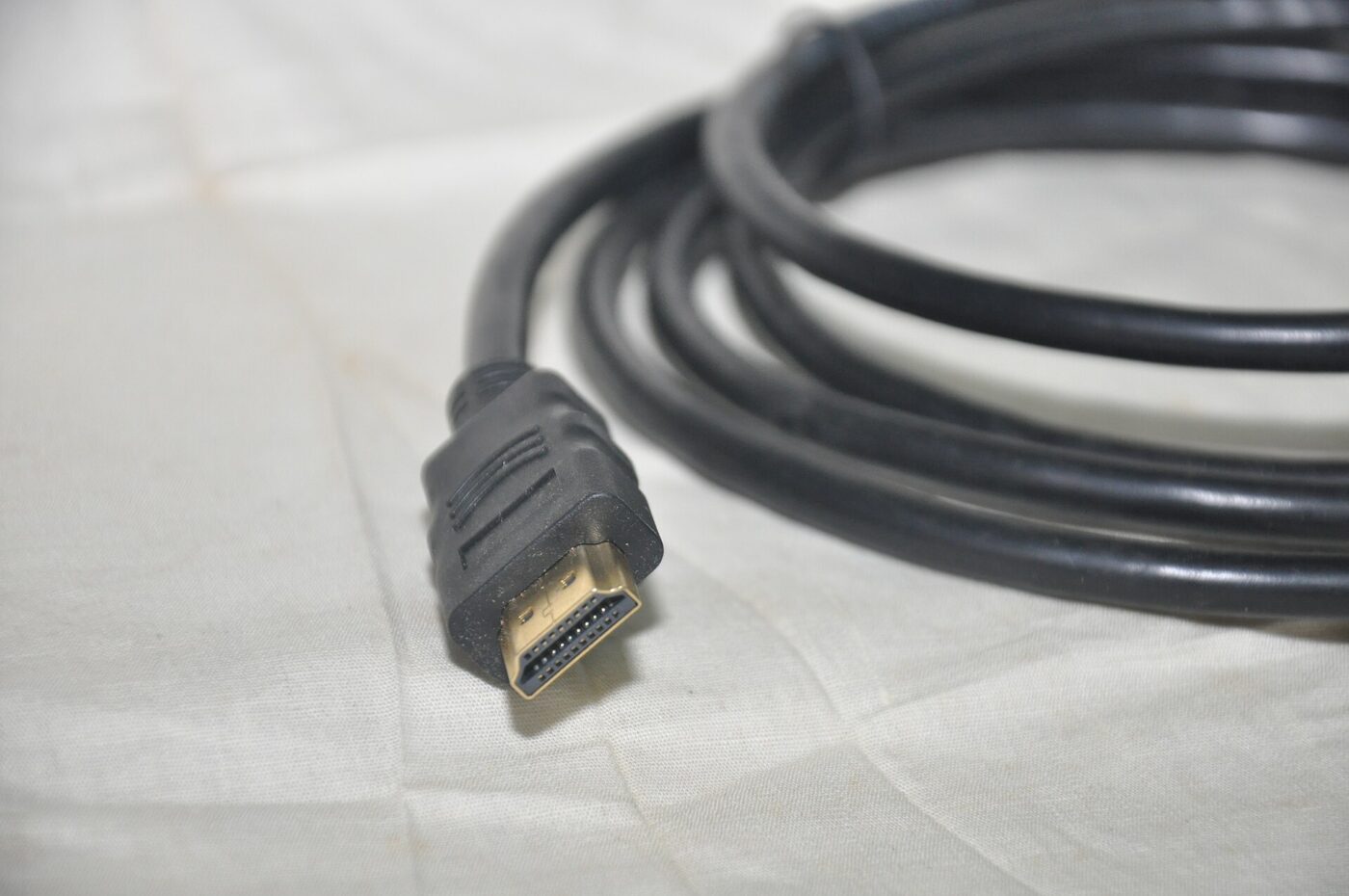
HDMI cables are certified by the bandwidth they were tested to carry. According to HDMI Licensing Administrator, the Premium High Speed HDMI Cable is tested to 18 Gbps for 4K content, while the Ultra High Speed HDMI Cable, introduced in the HDMI 2.1 specification and on the market since 2020, supports up to 48 Gbps and formats including 4K at 120 Hz and 8K at 60 Hz. Doubling the frame rate at 4K, with full color and HDR, can require far more than an 18 Gbps cable was ever checked against.
Digital video does not fade gracefully. A marginal link produces sparkles, brief blackouts, HDR or variable refresh rate switching off, or a fallback to a lower mode. PlayStation’s own support guide lists the case where nothing is displayed or the signal shows as 1080p 120 Hz, and asks whether you are using the included cable or an Ultra High Speed cable rated for 4K 120 Hz output.
| Cable name | Tested bandwidth | Suits |
|---|---|---|
| High Speed HDMI Cable | 10.2 Gbps | 1080p and 4K at 30 Hz |
| Premium High Speed HDMI Cable | 18 Gbps | 4K at 60 Hz |
| Ultra High Speed HDMI Cable | 48 Gbps | 4K at 120 Hz, 8K at 60 Hz, VRR, eARC |
| Ultra96 HDMI Cable | 96 Gbps | Newer, higher-bandwidth formats |
The label that matters

There is no official product called an HDMI 2.1 cable. HDMI Licensing told cable makers years ago that they may not use HDMI specification version numbers in the labeling, packaging or promotion of any cable product, and must use the official cable names instead. Listings that promise HDMI 2.1 or 10K are using terms the certification scheme does not recognize, and an 8K claim on its own does not show a cable was certified.
The name to look for is Ultra High Speed HDMI Cable. Certified models must carry an Ultra High Speed HDMI Certification Label on each package, and the label can be scanned with the HDMI Cable Certification app to verify the model. HDMI Licensing also says these cables are tested for low electromagnetic interference, to reduce interference with Wi-Fi, streaming devices, Bluetooth and phones. Scanning is the point of the label: it checks the model itself rather than the claims printed around it.
Console makers include a suitable cable in the box for this reason. Sony’s guide recommends the cable supplied with the PS5 for 4K 120 Hz, so if you swapped it for an older cable already behind the TV, swap it back first.
Scan the certification label before you open the package. A cable that cannot be verified is a guess, however many gigabits the listing claims.
Rule out the rest of the chain
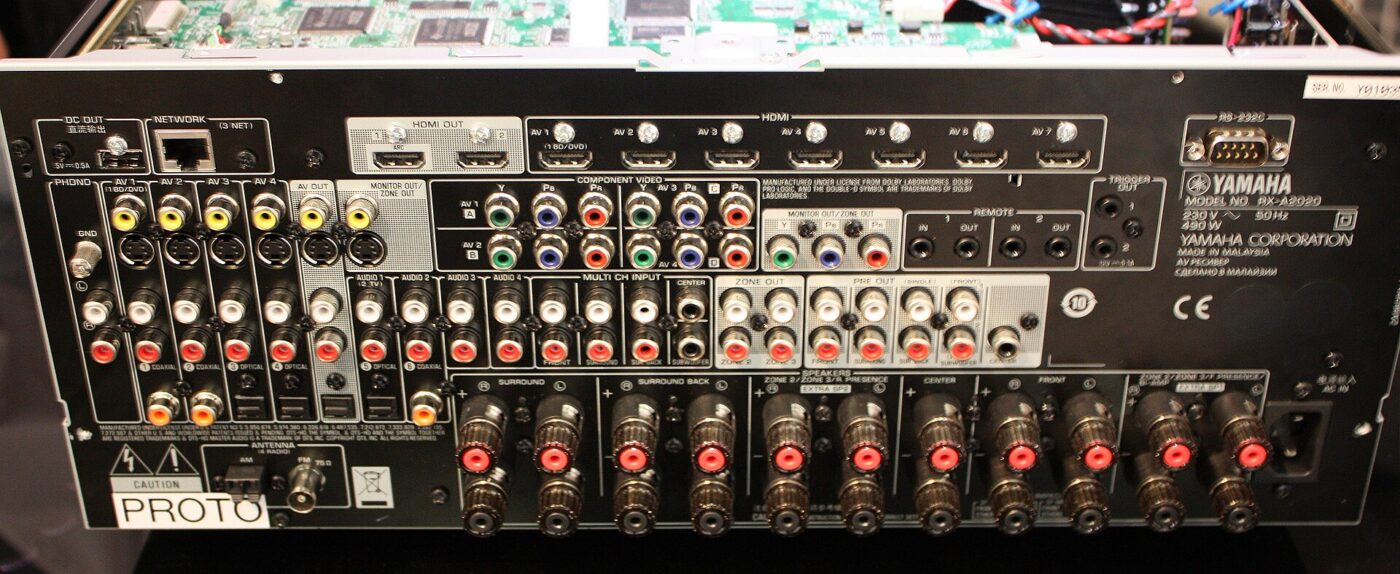
A certified cable only removes one variable. Several other links in the chain cause identical symptoms, and they are free to check.
Change one thing at a time and test the same game or menu screen after each change. If 4K 120 Hz becomes stable after moving to another TV input, the cable was never the problem; if it stays unstable on a direct connection with a verified cable, look at firmware and settings next.
- Use the right TV port. Many TVs support HDMI 2.1 features on only some inputs; the manual or port labels say which.
- Turn on the TV’s enhanced HDMI setting. Sony notes that HDMI 2.1 support may require changing settings on the TV.
- Connect directly. Receivers, soundbars, switches and splitters in between must all support the same bandwidth.
- Update firmware on the TV and console before assuming hardware is at fault.
- Try the transfer rate setting. For flicker, PS5 offers Video Transfer Rate options of -1 or -2 to limit output.
- Remove adapters and wall plates while testing; each joint is another place for signal loss.
Length, routing and active cables
Longer passive cables have less margin, so buy the shortest certified cable that reaches comfortably without tension on the connectors. Tight bends right at the plug, heavy cable ties and cables pinched behind wall-mounted TVs all add stress in exactly the place where failures begin.
For long runs, such as a projector across a room or a PC in another cabinet, active optical HDMI cables are the common choice. They convert the signal to light over most of the length and are usually directional, with one end marked for the source and the other for the display. Plugged in backwards, they simply do not work. If a cable is going inside a wall, choose one rated for in-wall installation and follow local building codes.
The shortlist
Paid links: we earn a commission if you buy through the buttons below, at no extra cost to you. As an Amazon Associate I earn from qualifying purchases.
Compared on length and reliability
| Product type | Best for | Risk estimate | Where to buy |
|---|---|---|---|
| Certified Ultra High Speed HDMI Cable (6 ft) | Console next to the TV | 12/100 | See listings on Amazon |
| Certified Ultra High Speed HDMI Cable (10 ft) | A little more reach | 22/100 | See listings on Amazon |
| Active Optical HDMI Cable (48 Gbps) | Long runs and wall routing | 38/100 | See listings on Amazon |
Risk estimate is our editorial Fear Index for the product type (lower is safer), not a customer rating. How it is scored. The buttons open Amazon search results rather than one listing, so check the model on the product page.
Certified Ultra High Speed HDMI Cable (6 ft)
The simplest fix for 4K 120 Hz dropouts when the console or PC sits near the TV. Scan the label before opening the package.
- Tested for 48 Gbps
- Verifiable certification label
- Short length keeps signal margin
- Only reaches nearby equipment
- Verify the label before opening
Active Optical HDMI Cable (48 Gbps)
Worth it for projectors and remote PCs. Check which end goes to the source before pulling it through furniture or walls.
- Carries high bandwidth over long distances
- Thin and light for routing
- Low interference over the run
- Directional, must be installed the right way round
- Costs more than passive cables
More: Gaming & Entertainment analyses and how the Fear Index is scored.
Sources
- HDMI Cables — Different Cable Types — HDMI Licensing Administrator
- The Ultra High Speed HDMI Cable Might Be the Best HDMI Cable for You — HDMI Licensing Administrator
- Important Notice to Manufacturers and Resellers of HDMI Cables — HDMI Licensing Administrator
- How to change PS5 console resolution — PlayStation Support
Questions people actually ask
Do I need a new HDMI cable for 4K 120Hz?
Often, yes. 4K at 120 Hz needs more bandwidth than older Premium High Speed cables were tested for. A certified Ultra High Speed HDMI Cable is tested to 48 Gbps.
Is there such a thing as an HDMI 2.1 cable?
Not officially. Cable makers are not allowed to use specification version numbers. The certified cable for HDMI 2.1 features is called the Ultra High Speed HDMI Cable.
Why does my screen go black at 120Hz but not at 60Hz?
The higher refresh rate needs more bandwidth, so a marginal cable, a non-HDMI 2.1 TV port, a TV setting or a device in between can fail only at the higher rate.
How do I check if an HDMI cable is certified?
Look for the Ultra High Speed HDMI Certification Label on the package and scan it with the HDMI Cable Certification app to verify the model.