USB-C Cables Are Not Interchangeable, and the Plug Will Not Tell You
Two USB-C cables can look identical and differ by 180 watts and a factor of eighty in data speed. What the e-marker chip does and how to buy the right one.

Part of the guide: Tech and Audio Buying Mistakes: What Fails and How to Check Before You Buy
You own a drawer of USB-C cables. They all fit every port. One of them charges your laptop in an hour, one takes four, and one will not drive an external display at all.
Nothing about the plug distinguishes them, because the plug is the only part of USB-C that was truly standardised. Everything behind it — conductor gauge, shielding, the presence of a chip, the number of wires actually connected — varies enormously and is invisible.
Fear Index · Think twice
One connector, a dozen incompatible cables
Nothing fails dramatically. Things are simply slower than they should be, silently, and almost nobody works out why.
The plug is the only part that was standardised
A USB-C cable has up to 24 pins. A cheap charging cable may connect as few as nine of them — enough for power and USB 2.0 data, and nothing else. The high-speed differential pairs a display or a fast drive needs are simply absent.
Power has a second gate. Up to 60 W (20 V at 3 A) a passive cable is fine. Above that the specification requires an e-marker — a small chip that tells the charger what the cable can safely carry. No chip, no high power: the charger falls back to 60 W and nothing tells you.
| Cable | Power | Data | Needs e-marker |
|---|---|---|---|
| Basic charging | Up to 60 W | 480 Mbps | No |
| 100 W charging | Up to 100 W | Usually 480 Mbps | Yes |
| 240 W (EPR) | Up to 240 W | Varies | Yes |
| USB4 / Thunderbolt 4 | 60 or 100 W | 40 Gbps | Yes |
| USB4 v2 / Thunderbolt 5 | Up to 240 W | 80 Gbps | Yes |
USB4 v2 — badged Thunderbolt 5 on Intel-certified cables — doubles data speed to 80 Gbps and raises the power ceiling to the same 240 W as an EPR charging cable. A cable printed simply “USB4” or “Thunderbolt” can be either generation; the wattage and Gbps figures on the packaging are what separate them, not the name.
A 100 W charging cable and a 40 Gbps data cable are different products. Most cables sold as “fast charging” move data at speeds from 2000.
Why a laptop charges slowly on the wrong cable

Power Delivery is a negotiation. The charger asks the cable what it can handle, the cable answers through its e-marker, and the device then requests a profile within that limit. A cable with no e-marker answers nothing, and the charger assumes the safe minimum.
So a 96 W charger and a 96 W laptop, joined by a cable without a chip, negotiate 60 W. The laptop charges — slowly, and while in use it may not gain charge at all. Nothing on screen reports the cable as the cause.
The same negotiation happens with Extended Power Range (EPR) profiles above 100 W, and it is stricter: an EPR cable identifies itself as EPR-capable specifically, not merely e-marked, so a plain 100 W e-marked cable will cap an EPR-capable charger and laptop at 100 W rather than passing through to 240 W. The fix is the same — check the printed number on the cable itself, not the charger’s.
How to buy one that works
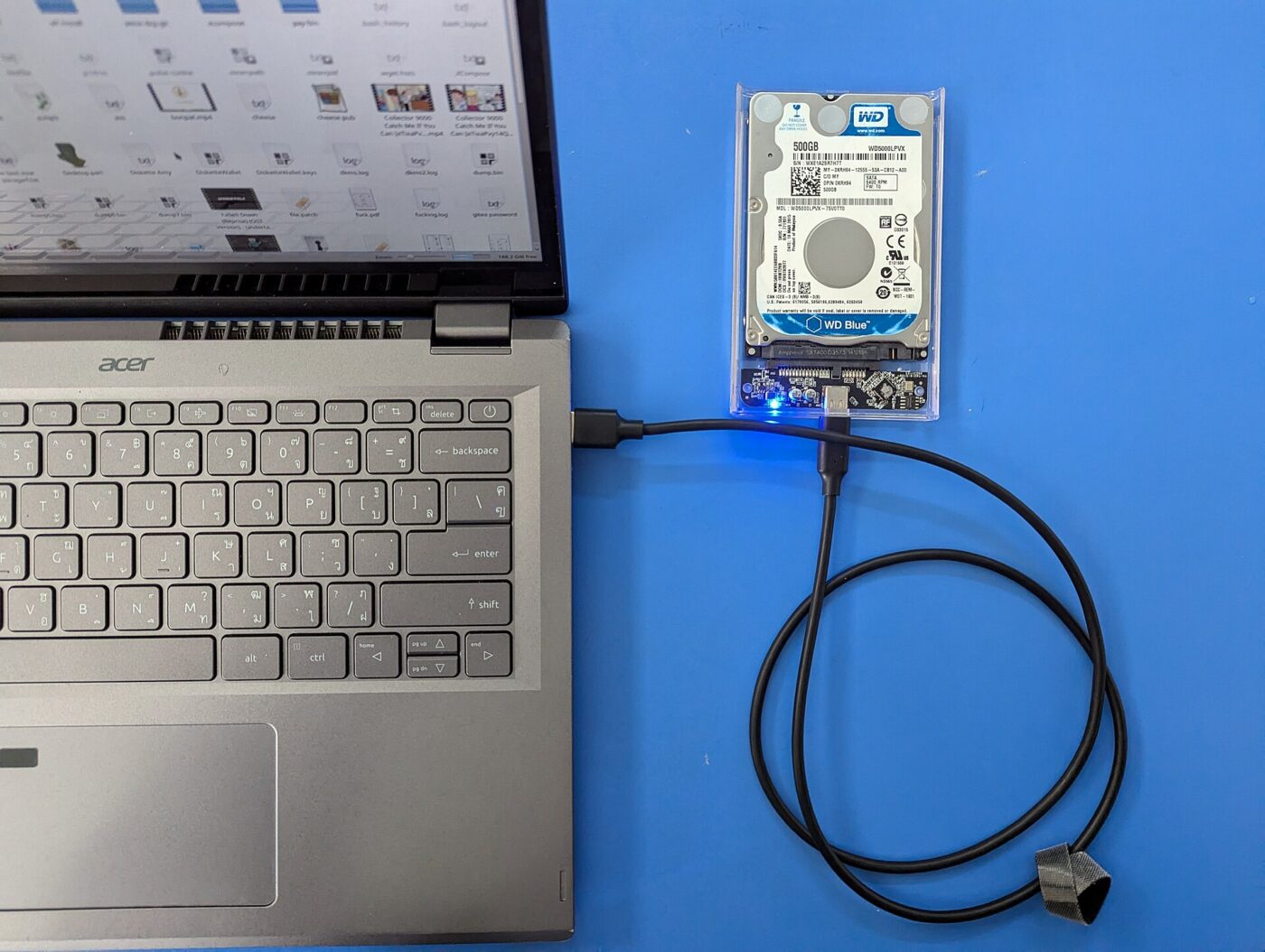
- Buy on two stated numbers. Watts and gigabits. A listing that states neither is a basic cable whatever the photograph suggests.
- Length costs power. Resistance rises with length. Over about 2 m, high-wattage cables need thicker conductors, which is why long 240 W cables cost more.
- Longer is slower for data. Passive 40 Gbps cables are limited to roughly 0.8 m. Beyond that you need an active cable, which costs several times more.
- Watch for charge-only. Some bundled cables carry no data at all.
- Keep the box or the listing screenshot. If the cable underperforms, the stated wattage and speed are what a return claim rests on.
Paid links: we earn a commission if you buy through the buttons below, at no extra cost to you. As an Amazon Associate I earn from qualifying purchases.
Compared on what each is actually for
| Product type | Best for | Risk estimate | Where to buy |
|---|---|---|---|
| USB-C to USB-C Cable, 100 W | Phones and most laptops | 22/100 | See listings on Amazon |
| USB-C Cable, 240 W (EPR) | High-draw laptops | 30/100 | See listings on Amazon |
| USB4 / Thunderbolt Cable, 40 Gbps | Displays and fast drives | 41/100 | See listings on Amazon |
Risk estimate is our editorial Fear Index for the product type (lower is safer), not a customer rating. How it is scored. The buttons open Amazon search results rather than one listing, so check the model on the product page.
USB-C to USB-C Cable, 100 W
The cable to standardise on for charging. Buy three and stop thinking about it.
- Covers phones, tablets and most laptops
- E-marker means full negotiated power
- Cheap enough to buy several
- Data speed usually USB 2.0
- Will not drive a high-resolution display
USB4 / Thunderbolt Cable, 40 Gbps
Only needed if something on the other end is a display or a fast drive. For charging it is money spent on capability you will not use.
- 40 Gbps for external drives
- Drives high-resolution displays
- Still carries 100 W of power
- Several times the price
- Passive versions limited to about 0.8 m
Questions people actually ask
Why is my laptop charging slowly with a USB-C cable?
Often a cable without an e-marker chip — above 60 W the charger needs the cable to identify itself, and without that it falls back to 60 W silently. An underpowered charger or a low-power port produces the identical symptom, so check those too.
Are all USB-C cables the same?
No. Only the connector is standardised. Power capability, data speed, shielding and even the number of connected pins vary widely between cables that look identical.
Do I need a 240 W cable?
Only if you have a device that draws more than 100 W — some large gaming laptops do. For phones, tablets and normal laptops a 100 W cable is more than enough.
Can a charging cable carry video to a monitor?
Usually not. Driving a display needs the high-speed pairs that basic charging cables leave unconnected. Look for a stated data rate of 10 Gbps or higher.
What is the difference between USB4 and USB4 v2?
The original USB4 tops out at 40 Gbps and, in most passive cables, 60–100 W. USB4 v2, sold as Thunderbolt 5 on Intel-certified cables, reaches 80 Gbps and up to 240 W. Both use the same plug, so only the printed speed and wattage tell them apart.