The Matter Logo Does Not Mean Every Feature Works in Every App
Matter lets one device join several smart home platforms, but Thread devices need a border router, each platform needs its own hub, and support is uneven.


Part of the guide: Tech and Audio Buying Mistakes: What Fails and How to Check Before You Buy
For years, smart home devices were sold by ecosystem, and a plug bought for one voice assistant was useless with another. Matter was designed to end that by giving devices a shared language.
It largely has, for basic functions. What the logo does not settle is which hub you need, whether your platform supports that type of device fully, and which features stay behind in the maker’s own app.
Fear Index · Think twice
Certified device, missing hub or missing feature
A Thread device that cannot finish setup without a border router, or a device whose best features stay locked in the maker’s own app, is the pattern that catches most buyers.
What Matter actually standardizes

Matter is a standard from the Connectivity Standards Alliance that defines how devices of a given type describe themselves and accept commands. It runs over Wi-Fi, Ethernet or Thread, and the Alliance lists device types including light bulbs, switches, sensors, thermostats, blinds, door locks, bridges and media devices; later releases added appliances, energy devices and, with Matter 1.5 in late 2025, cameras.
Devices are managed by controllers, and the Alliance notes that a Matter controller is exclusive to the company that provides it. Its multi-admin feature lets you connect a Matter device to several platforms at once, provided you have a controller for each platform in your home.
Older devices can join through bridges. The Alliance describes a Matter bridge as translating from another protocol, such as Zigbee or Z-Wave, so those devices appear in a Matter network. What appears is whatever the bridge chooses to expose, which may be less than the device can do.
Thread needs a border router
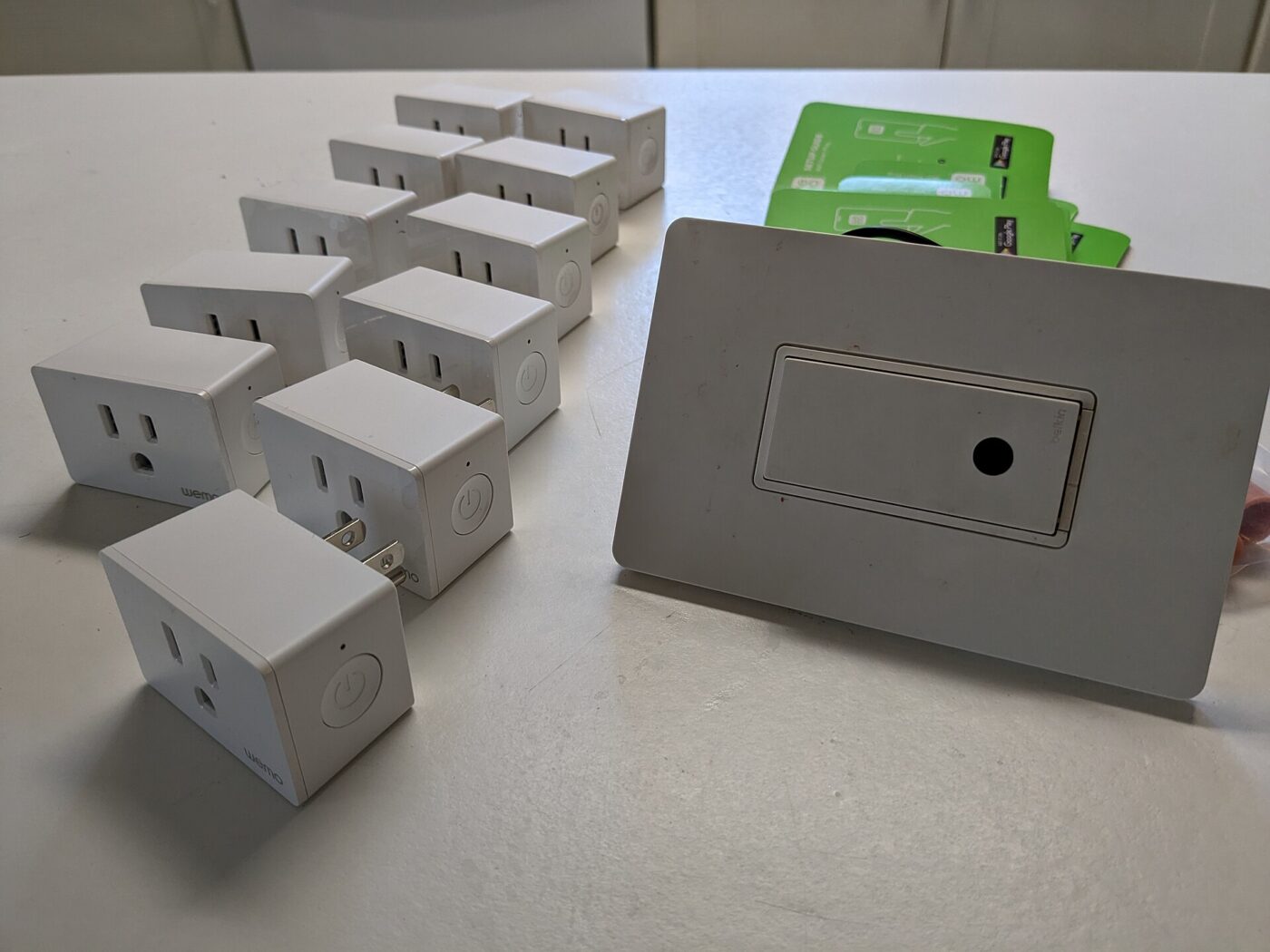
Thread is a low-power mesh network built for devices that run on batteries, such as sensors and locks. Thread devices cannot talk to your Wi-Fi network by themselves. The Alliance explains that a Thread border router lets them connect to the local network so they can communicate with devices on Wi-Fi or Ethernet.
Platforms build on that requirement, though how strictly they enforce it varies. Google’s setup guide lists a Matter-enabled hub as a requirement and says Matter devices that use Thread need a Thread border router to complete setup. Apple’s support page recommends a Thread-enabled home hub such as Apple TV 4K, HomePod (2nd generation) or HomePod mini, or a compatible third-party border router; note that the Wi-Fi-only Apple TV 4K and the original 2017 model have no Thread radio.
Many people already own one without knowing it, because border routers are built into a number of smart speakers, displays, streaming boxes and Wi-Fi routers. The mistake is assuming it. Check the specification page of the hub you own before buying Thread devices.
Before buying a Thread device, confirm that you own a border router that works with your platform. Without one, the device may not finish setup at all.
What a compatibility label does and does not promise
Certification means a device implements Matter correctly for its device type. It does not mean every platform supports that type equally. Google’s developer documentation says many Matter device types are supported in Google Home, though not all are fully supported, and that types not on its list are not officially supported. Apple lists the categories its Home app supports, from lights and locks to thermostats, blinds and several sensor types.
Brand-specific extras are the other gap. Matter covers the common functions of a device type, such as on, off, brightness or temperature. Energy dashboards, advanced schedules, firmware updates and unusual features often remain in the manufacturer’s app, so you may still need it installed.
Software versions matter too. Apple notes that Thread-enabled iPhones running iOS 18 or later can pair and manage Thread accessories locally, and that this may require an update from the accessory manufacturer. Update the device firmware and the platform app before pairing, and treat a failed first attempt as a reason to check for updates rather than a faulty device.
| Label or claim | What it tells you | What it does not |
|---|---|---|
| Matter certified | Implements Matter for its device type | That your platform supports that type fully |
| Works with a named platform | Tested with that platform | That it works without that platform’s hub |
| Thread | Uses the low-power mesh radio | That you own a border router |
| Matter through a bridge | Older devices appear in Matter | That all of their features carry over |
| Multi-admin | Can join more than one platform | That each platform exposes the same features |
Buying without lock-in
Matter’s real benefit is an exit route. If you move from one platform to another, a Matter device can be added to the new platform instead of being replaced, as long as a controller for that platform is present.
Keep one platform as the home for automations even if devices are shared with others. Two platforms running separate schedules for the same light or lock invites confusing behavior that is hard to trace.
- Choose the platform first, then check its list of supported Matter device types.
- Confirm the hub for that platform, plus a Thread border router for Thread devices.
- Look for certification, not vague wording about future Matter support.
- Photograph the setup code printed on the device or packaging before it gets lost.
- Expect the maker’s app for firmware updates and advanced settings.
Matter reduces device lock-in, not hub lock-in. Each platform you use still needs its own compatible hub.
The shortlist
Paid links: we earn a commission if you buy through the buttons below, at no extra cost to you. As an Amazon Associate I earn from qualifying purchases.
Compared on setup requirements
| Product type | Best for | Risk estimate | Where to buy |
|---|---|---|---|
| Matter over Thread Smart Plug | Low-power mesh devices | 30/100 | See listings on Amazon |
| Smart Home Hub with Thread Border Router | The piece people forget | 24/100 | See listings on Amazon |
| Matter over Wi-Fi Smart Bulb | Simplest Matter start | 26/100 | See listings on Amazon |
Risk estimate is our editorial Fear Index for the product type (lower is safer), not a customer rating. How it is scored. The buttons open Amazon search results rather than one listing, so check the model on the product page.
Smart Home Hub with Thread Border Router
The piece most Thread buyers overlook. Confirm the model lists Thread border router support before buying devices.
- Lets Thread devices finish setup
- Acts as the controller for its platform
- Often doubles as a speaker or display
- Tied to one platform
- Not every hub includes Thread
Matter over Wi-Fi Smart Bulb
A low-risk way to test Matter on your platform. Check your platform’s setup requirements first.
- Joins over existing Wi-Fi
- No Thread network required
- Works across platforms with multi-admin
- Uses more power than Thread devices
- Advanced effects may need the maker app
More: Smart Home & Security analyses and how the Fear Index is scored.
Questions people actually ask
Do I need a hub for Matter devices?
Usually yes. Google lists a Matter-enabled hub as a setup requirement, and Apple recommends a home hub for the best experience. Thread devices also need a Thread border router.
What is a Thread border router and do I have one?
It connects low-power Thread devices to your Wi-Fi or Ethernet network. Many smart speakers, displays, streaming boxes and routers include one; check your device’s specifications.
Can a Matter device work with Apple Home and Google Home at the same time?
Yes, through multi-admin, as long as you have a controller for each platform in your home. Features exposed may differ between platforms.
Does Matter work with Zigbee or Z-Wave devices?
Through a Matter bridge, which translates those devices into the Matter network. Only the functions the bridge exposes will appear.