An Outdoor Camera Mounted Where Wi-Fi Is Weak Records Gaps, Not Evidence
Outdoor cameras sit behind brick, far from the router. Why footage stutters or drops, how to read signal strength, and when a wired PoE camera is the answer.

Part of the guide: Tech and Audio Buying Mistakes: What Fails and How to Check Before You Buy
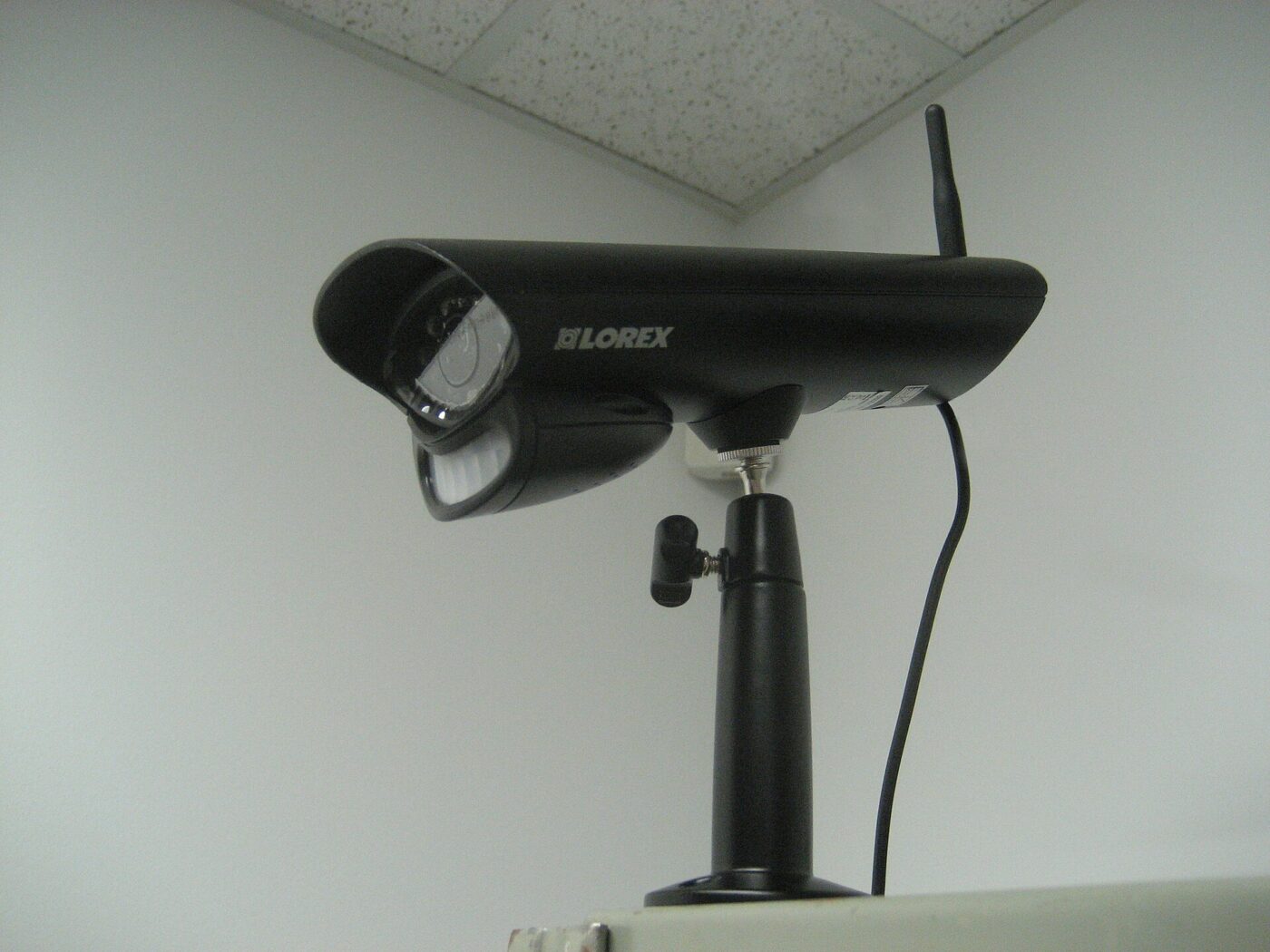
Most wireless cameras are set up next to the router, where the signal is excellent, and then mounted on an exterior wall two rooms and a layer of brick away.
The result is rarely a camera that refuses to work. It is one that connects, goes offline at night, delivers clips that start late or stutter, and misses the few seconds that mattered.
Fear Index · Think twice
Tested on the counter, failing on the wall
A camera that paired easily on the kitchen counter can still miss events once it is mounted outdoors, because nobody checked signal strength and upload bandwidth at the actual mounting spot.
Why a camera drops footage
A phone streaming a movie mostly downloads. A camera mostly uploads, pushing video out of the house every time it records or you open live view. That needs a stable connection to the router and enough upload capacity on your internet plan. Ring lists upload requirements that rise from 2 Mbps for 1080p to 15 Mbps for 4K, and notes that speeds are additive across devices.
Signal strength is the first thing to check. Ring grades its RSSI reading in bands: 0 to -60 is great, -60 to -70 is okay, -70 to -80 is poor with possible delays and interruptions, and -80 or worse is very poor with intermittent service or falling offline. The numbers are negative, and closer to zero is better.
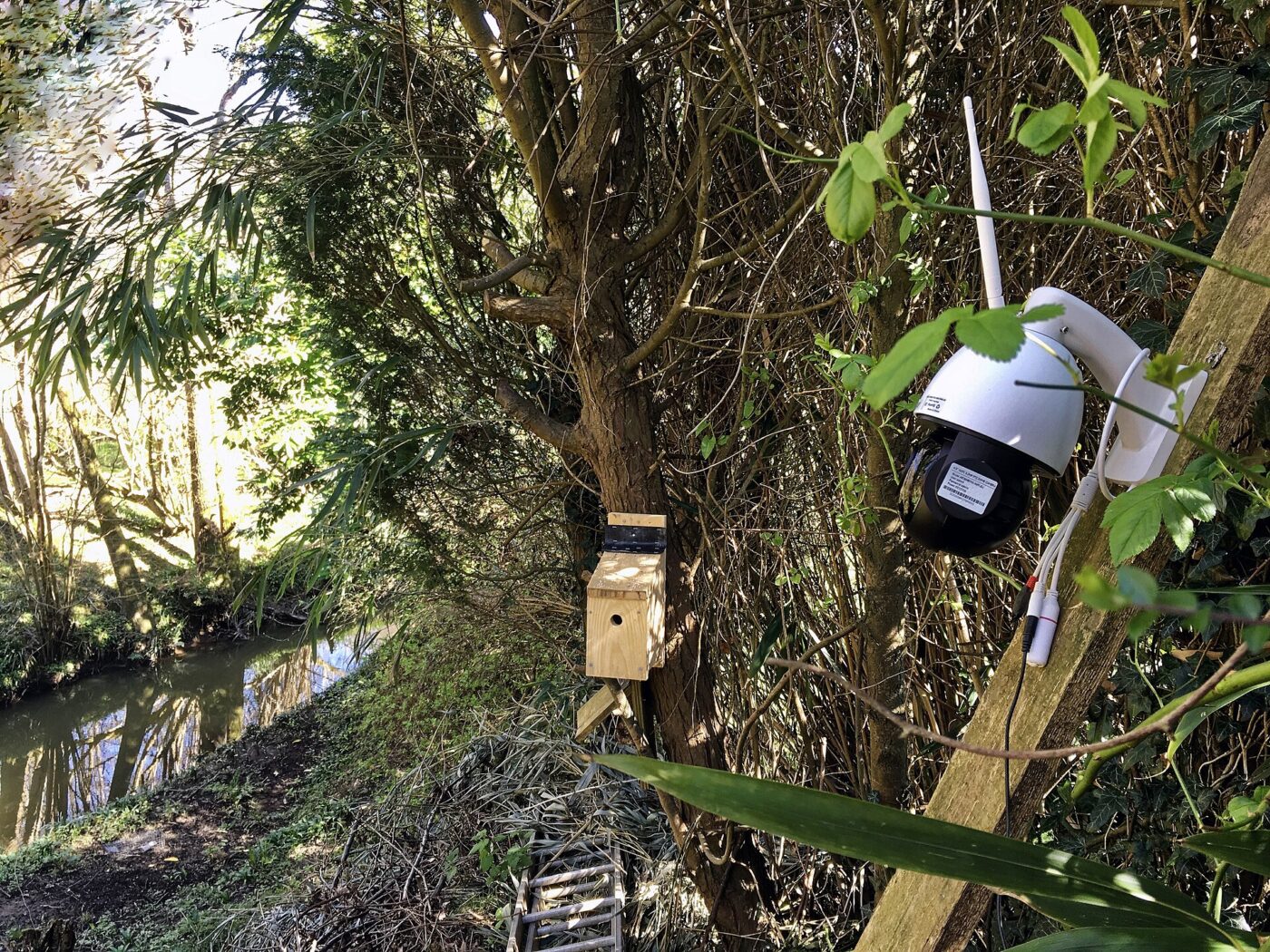
Outdoor positions combine the worst conditions. Ring notes that signals weaken with distance and that walls made of brick, stucco or metal, along with large appliances and mirrors, weaken them further. A garage wall behind a refrigerator is close to a worst case.
| Signal reading (RSSI) | Ring rates it | What to expect |
|---|---|---|
| 0 to -60 | Great | Strong, reliable performance |
| -60 to -70 | Okay | Works, could be improved |
| -70 to -80 | Poor | Possible delays and interruptions |
| -80 or worse | Very poor | Intermittent service or offline |
2.4 GHz and 5 GHz

The two common Wi-Fi bands trade range for capacity. 2.4 GHz travels farther and passes through walls better; 5 GHz carries more data but fades faster with distance and obstacles. For a camera on the far side of an exterior wall, 2.4 GHz often gives the steadier connection, while 5 GHz suits cameras close to the router.
Band support is not universal. Google’s technical specifications list some Nest outdoor battery models as supporting both bands in the US but only 2.4 GHz in Europe, Canada and Australia, and many inexpensive cameras use 2.4 GHz only. If your router combines both bands under one network name, a camera that struggles to join may need a temporary 2.4 GHz-only network during setup.
Bandwidth is shared by every camera in the house. Google advises making sure your internet plan has enough upload bandwidth for the number of cameras you have, and its cameras can be set to lower video quality to reduce the load.
Check the signal reading with the camera held at its final mounting spot, not on the counter where you paired it. Most camera apps show one.
Battery, wired and PoE

Battery cameras install anywhere, which is why they end up in the weakest signal spots. To save power they sleep and wake on motion, then reconnect and upload a short clip. Weak signal lengthens that wake-to-upload delay, which is how the start of an event gets lost.
Plug-in and hardwired Wi-Fi cameras remove the battery limit, which allows longer clips and, on some systems, continuous recording. Google, for example, restricts its 24/7 video history to wired cameras and doorbells. They still depend entirely on the Wi-Fi link, so placement rules are unchanged.
Power over Ethernet sends power and data down one network cable. There is no Wi-Fi to drop, and PoE systems commonly record to a network video recorder inside the house. The cost is labor: cable has to run from the recorder or a PoE switch through walls, attics or soffits to each camera.
- Battery Wi-Fi cameras need no wiring but record short events and are most sensitive to weak signal.
- Solar-assisted battery cameras need fewer recharges but have the same Wi-Fi limits.
- Plug-in or hardwired Wi-Fi cameras have constant power and can record longer, but still need strong signal.
- PoE wired cameras carry power and data on one cable, with no Wi-Fi involved.
- A mesh node or outdoor access point is often the cheapest fix for cameras already installed.
Placing and fixing a weak camera
Work through fixes in order of cost. Move the router toward the center of the house or off the floor, add a mesh node or access point closer to the camera with as few walls in between as possible, and aim for a path through a window rather than brick. Re-check the reading after each change.
Reduce what each camera asks for. Lower the resolution on cameras covering areas where detail matters less, and avoid putting several high-resolution cameras on an internet plan with modest upload speed.
Remember the rest of the chain. Wi-Fi cameras stop uploading when the router loses power, so a small battery backup for the router and modem keeps cameras online through short outages. Mount cameras high enough to deter tampering, angled to catch faces rather than the tops of heads.
The shortlist
Paid links: we earn a commission if you buy through the buttons below, at no extra cost to you. As an Amazon Associate I earn from qualifying purchases.
Compared on connection reliability
| Product type | Best for | Risk estimate | Where to buy |
|---|---|---|---|
| PoE Security Camera System with NVR | No Wi-Fi to drop | 25/100 | See listings on Amazon |
| Outdoor Wi-Fi Access Point | Fixing weak outdoor signal | 32/100 | See listings on Amazon |
| Plug-In Outdoor Wi-Fi Camera | Simplest constant power | 40/100 | See listings on Amazon |
Risk estimate is our editorial Fear Index for the product type (lower is safer), not a customer rating. How it is scored. The buttons open Amazon search results rather than one listing, so check the model on the product page.
PoE Security Camera System with NVR
The answer when Wi-Fi cannot reach reliably. Most of the work is routing cable; before connecting the recorder to the internet, change its default password and update its firmware.
- No Wi-Fi signal to lose
- One cable for power and data
- Local recording without fees
- Cable runs through walls or attics
- More setup than wireless cameras
Outdoor Wi-Fi Access Point
If cameras already sit in poor signal, bring the network to them. Check the reading again after installing.
- Strengthens signal where cameras live
- Keeps your current cameras
- Helps other outdoor devices too
- Needs power and a network link
- Adds another device to manage
More: Smart Home & Security analyses and how the Fear Index is scored.
Sources
- Understanding wifi recommendations for Ring devices — Ring
- Technical specs for Google Nest cameras and doorbells — Google Home and Nest Help
- Learn about internet bandwidth and speed requirements for Nest cameras — Google Home and Nest Help
- Learn what you get with a Google Home Premium subscription — Google Home and Nest Help
Questions people actually ask
Why does my security camera keep going offline?
Most often weak Wi-Fi at the camera’s location, from distance or walls made of brick, stucco or metal. Insufficient upload speed for all your cameras and router power loss are other common causes.
Is 2.4 GHz or 5 GHz better for security cameras?
2.4 GHz usually reaches farther and through walls better, which suits outdoor cameras. 5 GHz carries more data but works best close to the router. Check which bands your camera supports.
What is a good Wi-Fi signal strength for a security camera?
Ring rates readings from 0 to -60 as great and -60 to -70 as okay. Below -70, it warns of delays and interruptions, and below -80 of dropouts.
Are PoE cameras better than Wi-Fi cameras?
For reliability, generally yes: one cable carries power and data with no wireless link to drop. The trade-off is installation work to run the cable.