RAID Is Not a Backup, and Drives Bought Together Often Fail Together
RAID survives a dead drive. It does not survive deletion, ransomware or a failed rebuild. Why drives bought together die together, and what to do instead.

Part of the guide: Tech and Audio Buying Mistakes: What Fails and How to Check Before You Buy
A NAS with two drives in RAID 1 feels like safety. Anything written lands on both disks; if one dies, the other carries on. That is real, and it is a much narrower protection than most owners believe they have bought.
RAID is an availability technology. It exists so a server keeps running when a disk dies. It was never designed to protect data from the things that actually destroy it.
Fear Index · High risk
Protection against one kind of failure only
RAID does exactly what it claims. The problem is that what it claims covers only one of the ways people lose data.
What RAID actually protects against
One thing: the mechanical or electronic failure of a drive. Every other route to data loss passes straight through it, because RAID faithfully mirrors whatever it is told to write.
- You delete a folder. Deleted on both drives, instantly.
- Ransomware encrypts the share. Encrypted on both drives.
- A file silently corrupts. The corruption is mirrored.
- The NAS power supply fails badly. It can take both drives with it.
- Fire, flood or theft. Both drives are in the same box, in the same room.
RAID answers “what if a drive dies”. Backup answers “what if the data is wrong, gone, or the building is not there”. They are different questions and you need both.
The rebuild is the dangerous part

When a drive fails, the array is rebuilt onto a replacement. That rebuild reads every sector of every surviving drive, at full speed, for hours or days depending on capacity.
It is the heaviest sustained load the remaining drives ever experience, and it happens precisely when they are the same age and have done the same work as the one that just died. In a two-drive mirror or RAID 5, a second failure during a rebuild destroys the array; RAID 6 tolerates a second failure but not a third.
This risk grows with capacity: larger drives take longer to rebuild, which widens the window.
Buy drives that are not siblings
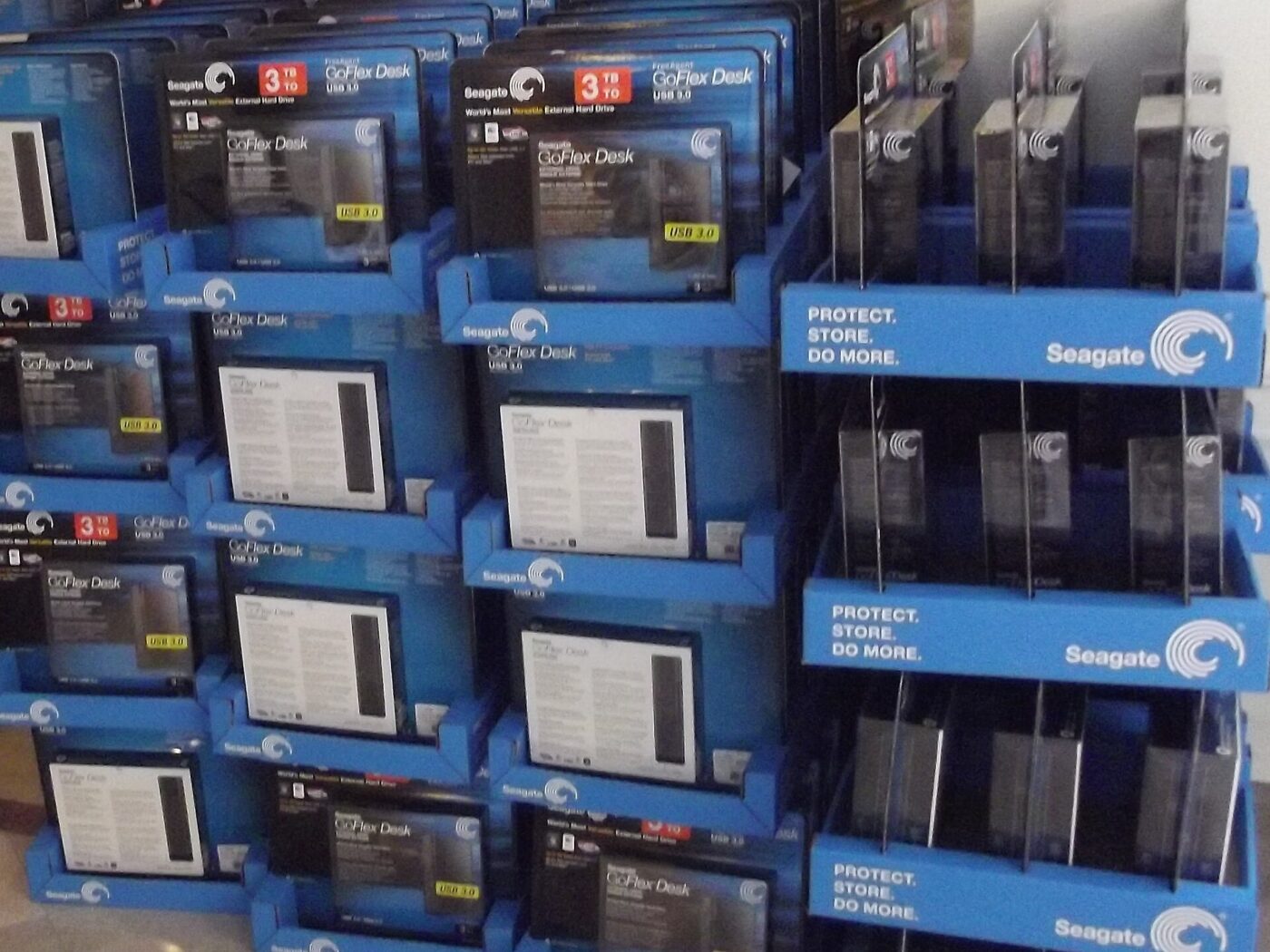
Drives from the same production batch share the same components, the same firmware and the same manufacturing variation. Bought together and run together, they arrive at the end of their lives together.
Mitigating it is simple and slightly tedious: buy from different retailers, or different batches, or mix two manufacturers. Check the date codes on arrival — if they are days apart, consider swapping one.
What 3-2-1 looks like in practice
The rule sounds abstract until it is written down as a shopping list: the NAS copy (one), a portable external drive kept unplugged except when backing up (two, second medium), and a rotated second external drive stored at a different address, or a cloud backup account (three, off-site).
Most NAS operating systems include free scheduled-backup software that can write to a plugged-in USB drive or a cloud target on a timer, so the off-site leg does not have to mean remembering to carry a drive anywhere — only remembering to disconnect the local one afterward.
- Automate the schedule. A backup that depends on remembering happens less often than the risk requires.
- Disconnect between backups. Ransomware that reaches the NAS can also reach anything left plugged in and mounted.
- Test a restore once. A backup nobody has ever restored from is a theory, not a backup.
The shortlist
Paid links: we earn a commission if you buy through the buttons below, at no extra cost to you. As an Amazon Associate I earn from qualifying purchases.
Compared on what each actually protects
| Product type | Best for | Risk estimate | Where to buy |
|---|---|---|---|
| 2-Bay NAS Enclosure | The NAS itself | 40/100 | See listings on Amazon |
| NAS-Rated Hard Drive, 4 TB | Drives that tolerate a NAS | 34/100 | See listings on Amazon |
| Portable External Hard Drive | The copy that leaves the building | 22/100 | See listings on Amazon |
Risk estimate is our editorial Fear Index for the product type (lower is safer), not a customer rating. How it is scored. The buttons open Amazon search results rather than one listing, so check the model on the product page.
NAS-Rated Hard Drive, 4 TB
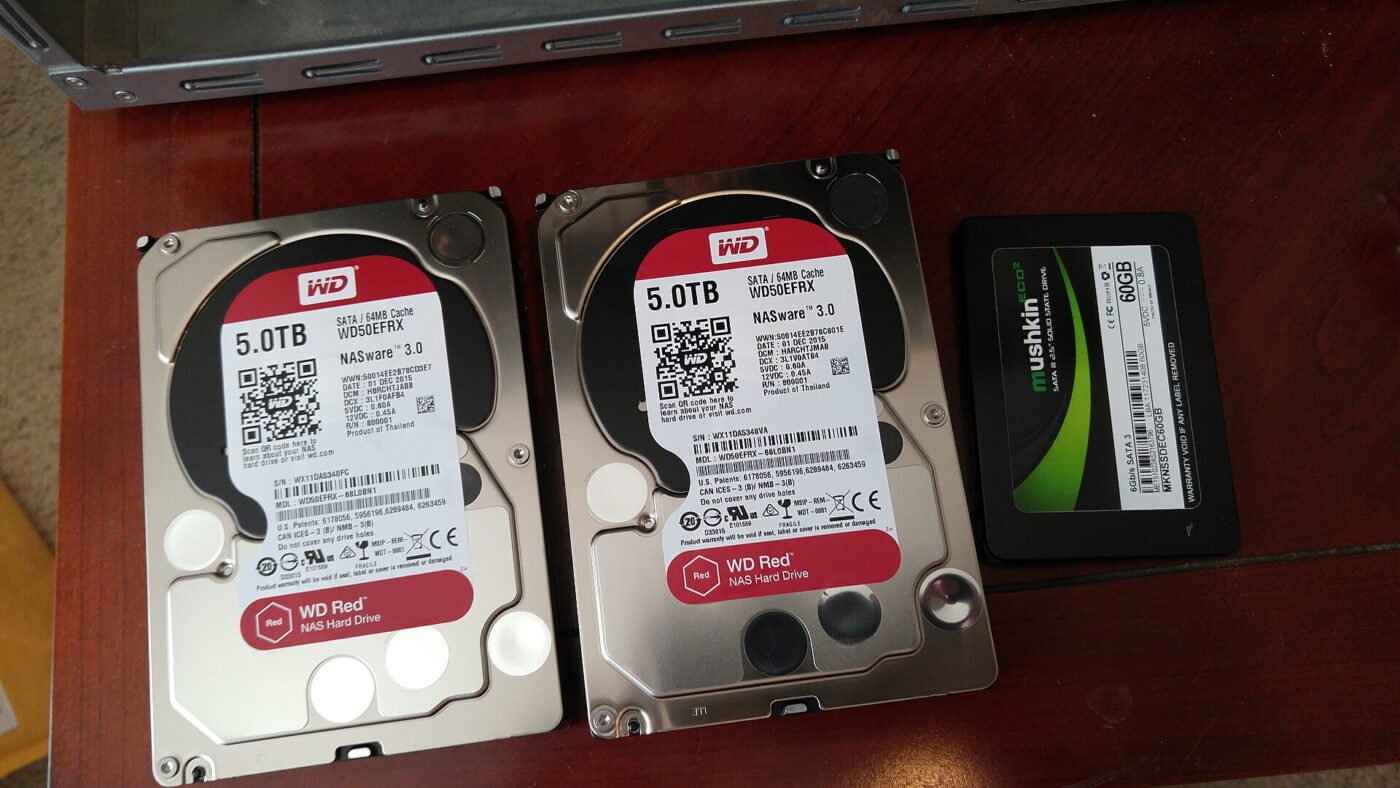
Confirm CMR before buying — not every NAS-branded drive is; plain WD Red at 2–6 TB uses SMR, which can take days to rebuild. Buy your pair from different retailers.
- CMR models suit rebuilds
- Rated for continuous operation
- Longer warranty than desktop drives
- Costs more than a desktop drive
- Same batch means correlated failure
Portable External Hard Drive
The least glamorous item here and the one that actually saves you. Two of these, rotated and unplugged between backups so ransomware cannot reach them, beat any amount of RAID.
- Leaves the building, which RAID never does
- Cheap enough to own two and rotate
- Works with any operating system
- Only as current as the last time you plugged it in
- Easy to forget
More: Tech & Audio analyses and how the Fear Index is scored.
Questions people actually ask
Is RAID a backup?
No. RAID protects against a drive dying. Deletion, corruption, ransomware, power failure, fire and theft all pass straight through it because RAID mirrors whatever it is told to write.
Do hard drives from the same batch fail at the same time?
They share components, firmware and manufacturing variation, so their failure distributions are correlated. Run under identical load from the same day, they often fail close together.
What is the 3-2-1 backup rule?
Three copies of the data, on two different types of media, with one copy off-site. It is the minimum that survives both hardware failure and losing the building.
Why is rebuilding a RAID array risky?
It reads every sector of every surviving drive at full speed for hours or days — the heaviest load they ever see — at the moment they are the same age as the drive that just failed.
Are all NAS-branded hard drives CMR?
No. Some capacities of Western Digital’s plain WD Red line use SMR (device-managed shingled recording), which rebuilds far more slowly under RAID than CMR. Check the model’s recording technology, not just the “NAS” branding, before buying.