The Too-Cheap 1TB microSD Card Is Usually a Much Smaller Card Lying
Counterfeit cards report a false capacity and overwrite your oldest files in silence. A five-minute test that catches them before you trust one.

Part of the guide: Tech and Audio Buying Mistakes: What Fails and How to Check Before You Buy
There is a particular kind of loss that belongs to counterfeit storage. Not a card that dies — a card that appears to work perfectly for months, and then, when you go back for something, has silently destroyed it.
Price is the giveaway, and it is not subtle. Flash memory has a floor set by the cost of the silicon. A 1 TB card at supermarket-sandwich money is not a bargain; it is a 32 GB card with its firmware rewritten to claim otherwise.
Fear Index · High risk
It works perfectly until the moment it matters
Most bad purchases announce themselves. This one is designed not to, and the damage is to data rather than to the card.
How the fake actually works
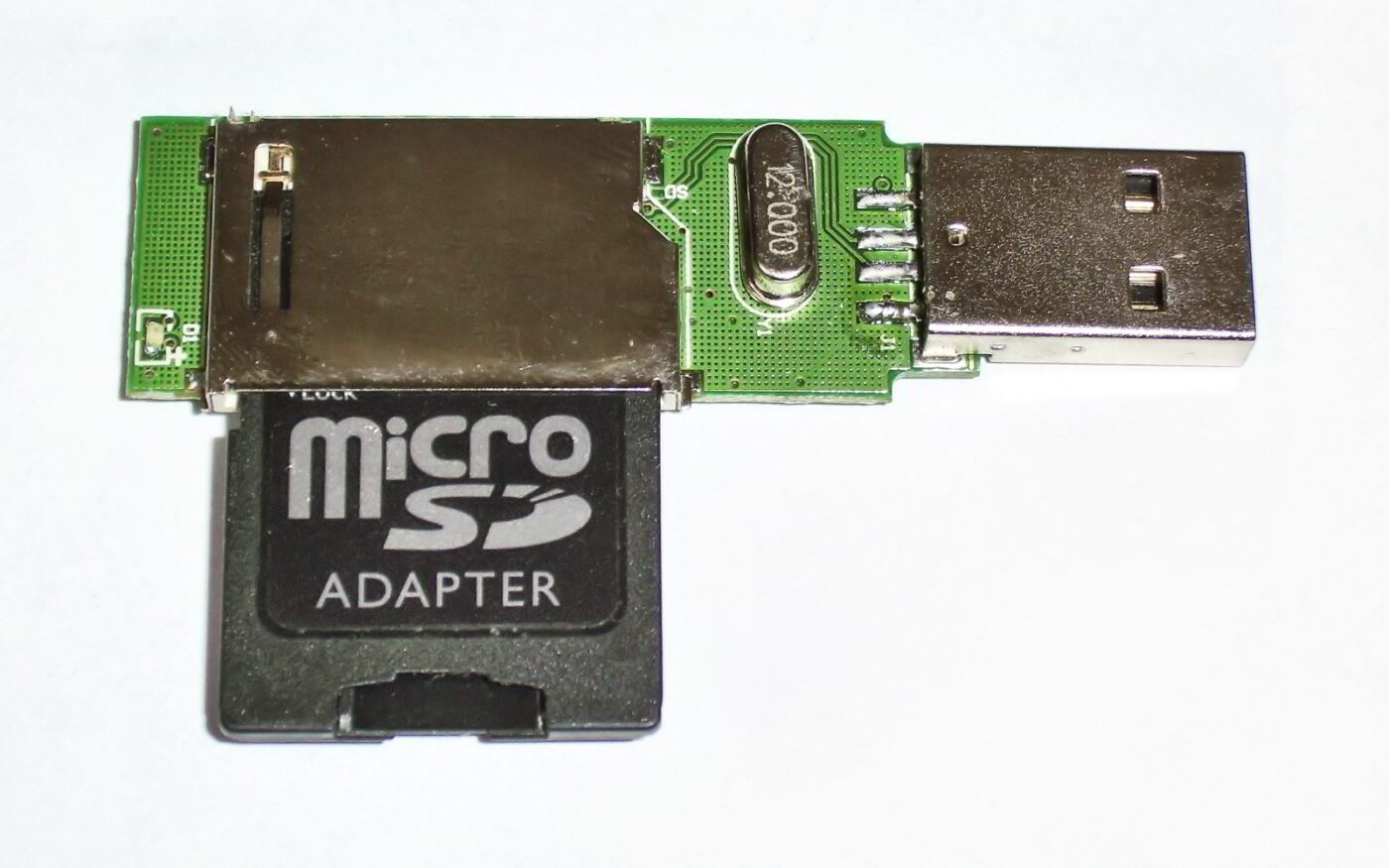
A memory card has a controller that tells the host how much space it has. On a counterfeit, that controller has been reprogrammed to report a figure far larger than the flash actually fitted.
Your computer believes it. It writes the first 32 GB normally. Then, having run out of real flash, the controller does one of two things depending on the firmware: it wraps around and writes over the beginning, or it silently discards everything written past that point while still reporting success either way. The file table still lists every file. Open an early or a late one — depending on which failure mode you got — and you get corruption, or nothing.
Formatting does not reveal it, and neither does copying a few files. Only writing the card to its claimed capacity and reading it back does.
Where fakes are sold, and how to spot the listing
Counterfeits mostly reach buyers through open third-party marketplace listings, not a brand’s own storefront, because a legitimate brand storefront is the one channel a counterfeiter cannot list on. On Amazon that means checking who the item actually ships from and is sold by, not just which brand name appears in the title — a listing can carry a real brand’s name while being fulfilled by an unrelated third-party seller.
- Price against the silicon floor. Flash die cost roughly the same everywhere; a price far below other listings for the same rated capacity is the clearest tell.
- Check “ships from and sold by.” Prefer listings fulfilled by the retailer itself or the brand’s official store page over an unfamiliar third-party name.
- Read the one-star reviews first. Buyers who ran a capacity test usually say so, and fake-capacity complaints cluster on the exact listings selling counterfeits.
Test every card before you trust it

The test is the same on every platform: fill the card with known data, read it back, compare. Free tools exist for this — H2testw on Windows and F3 on macOS and Linux are the long-standing ones.
- It takes hours, not minutes. A 256 GB card written and verified over USB is an evening. Start it and leave it.
- Do it before the card holds anything. The test is destructive.
- Do it inside the return window. That is the entire point.
- Use a decent reader. A slow reader turns a long test into an unbearable one.
Speed classes, briefly
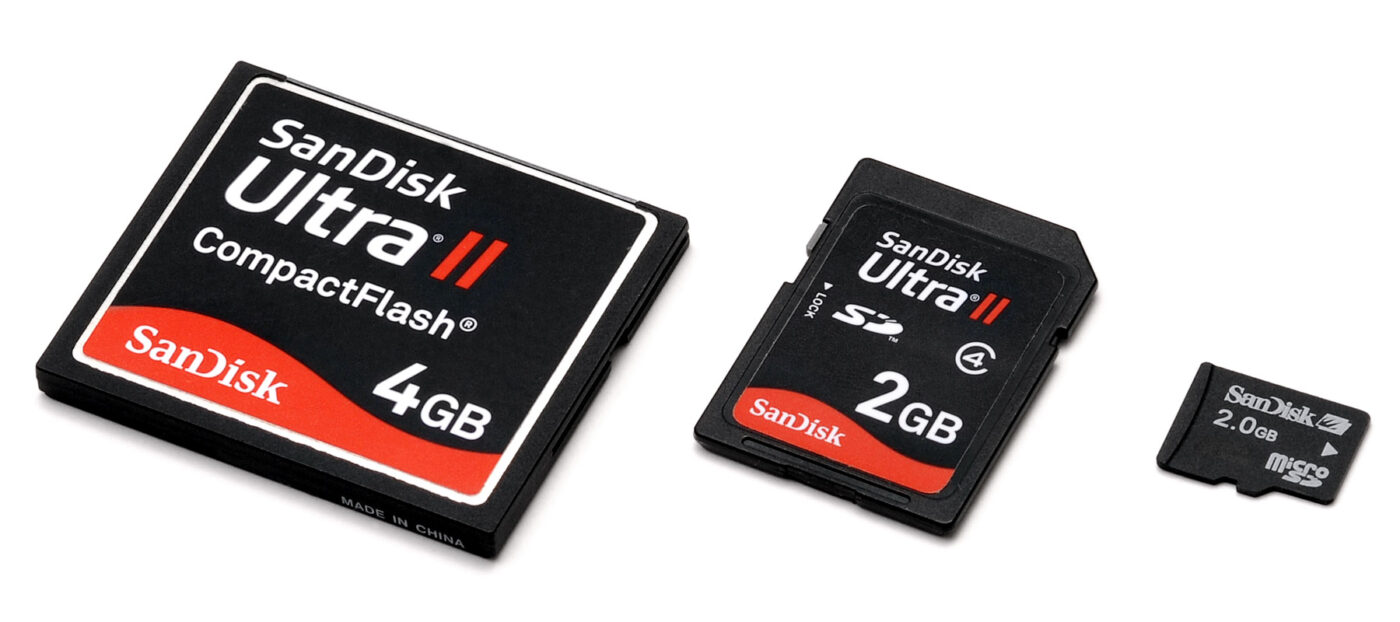
The symbols on a card are not decoration, and the one that matters is the guaranteed minimum write speed — the figure that decides whether video recording stalls.
| Mark | Guarantees | Use |
|---|---|---|
| C10 / U1 | 10 MB/s minimum write | Photos, 1080p video |
| U3 / V30 | 30 MB/s minimum write | 4K video |
| V60 / V90 | 60 / 90 MB/s minimum | High-bitrate and 8K |
| A1 / A2 | Random access for apps | Running apps from the card |
The large number printed on the front is the peak read speed, which is the least useful figure on the card and the one given the biggest type.
Paid links: we earn a commission if you buy through the buttons below, at no extra cost to you. As an Amazon Associate I earn from qualifying purchases.
Compared on what protects the data
| Product type | Best for | Risk estimate | Where to buy |
|---|---|---|---|
| microSD 128 GB, A2 / V30 | Phones and handhelds | 30/100 | See listings on Amazon |
| microSD 256 GB, V30 | 4K video | 34/100 | See listings on Amazon |
| USB-C SD / microSD Card Reader | Test any card you buy | 18/100 | See listings on Amazon |
Risk estimate is our editorial Fear Index for the product type (lower is safer), not a customer rating. How it is scored. The buttons open Amazon search results rather than one listing, so check the model on the product page.
microSD 128 GB, A2 / V30
Buy this from the manufacturer’s own storefront rather than a marketplace seller, and test it the day it arrives.
- A2 rating suits running apps, not just storing files
- Capacity most people actually need
- Small enough premium to buy from the brand store
- Still worth testing on arrival
- Fills quickly with 4K footage
USB-C SD / microSD Card Reader
The accessory that makes verification practical. Without a decent reader most people skip the test, which is exactly how fakes survive.
- Turns an overnight test into a few hours
- Faster transfers off a camera
- Works with phones and tablets
- Another thing to carry
- Cheap ones throttle when warm
Questions people actually ask
How can I tell if a microSD card is fake?
Write data to its full claimed capacity and read it back. Tools like H2testw or F3 do this automatically. Nothing shorter will reveal it, because a fake reports success while overwriting earlier data.
What happens when a fake SD card fills up?
Depending on the firmware, it either wraps around and overwrites the earliest files or silently discards anything written past its real capacity — while still reporting success. Directory listings look normal; the affected files are corrupt or simply never saved.
Does formatting fix a counterfeit card?
No. The false capacity is in the controller firmware. Some tools can reformat the card to its real size, which makes it usable but far smaller than advertised.
What do V30 and A2 mean on a microSD card?
V30 guarantees 30 MB/s minimum sustained write, which 4K video needs. A2 describes random-access performance for running apps. The big number on the front is peak read speed and matters least.