A Smart Lock with Dead Batteries Is Only as Good as Its Backup
When smart lock batteries die, some models take a 9V jump and others need the key you left inside. How backups and radio choice decide your lockout risk.


Part of the guide: Tech and Audio Buying Mistakes: What Fails and How to Check Before You Buy
A smart deadbolt replaces the key with a keypad, a phone or a fingerprint, and all three depend on a few AA batteries inside the door.
Lockouts are rare and almost always avoidable, because the lock announces its low battery for some time. The real question when buying is what gets you in on the day that warning was missed.
Fear Index · Think twice
Locked out by a warning you ignored
The electronics fail predictably and loudly. The lockout comes from a backup key left in a drawer, or a key-free lock with no 9V battery anywhere nearby.
What happens when the batteries die
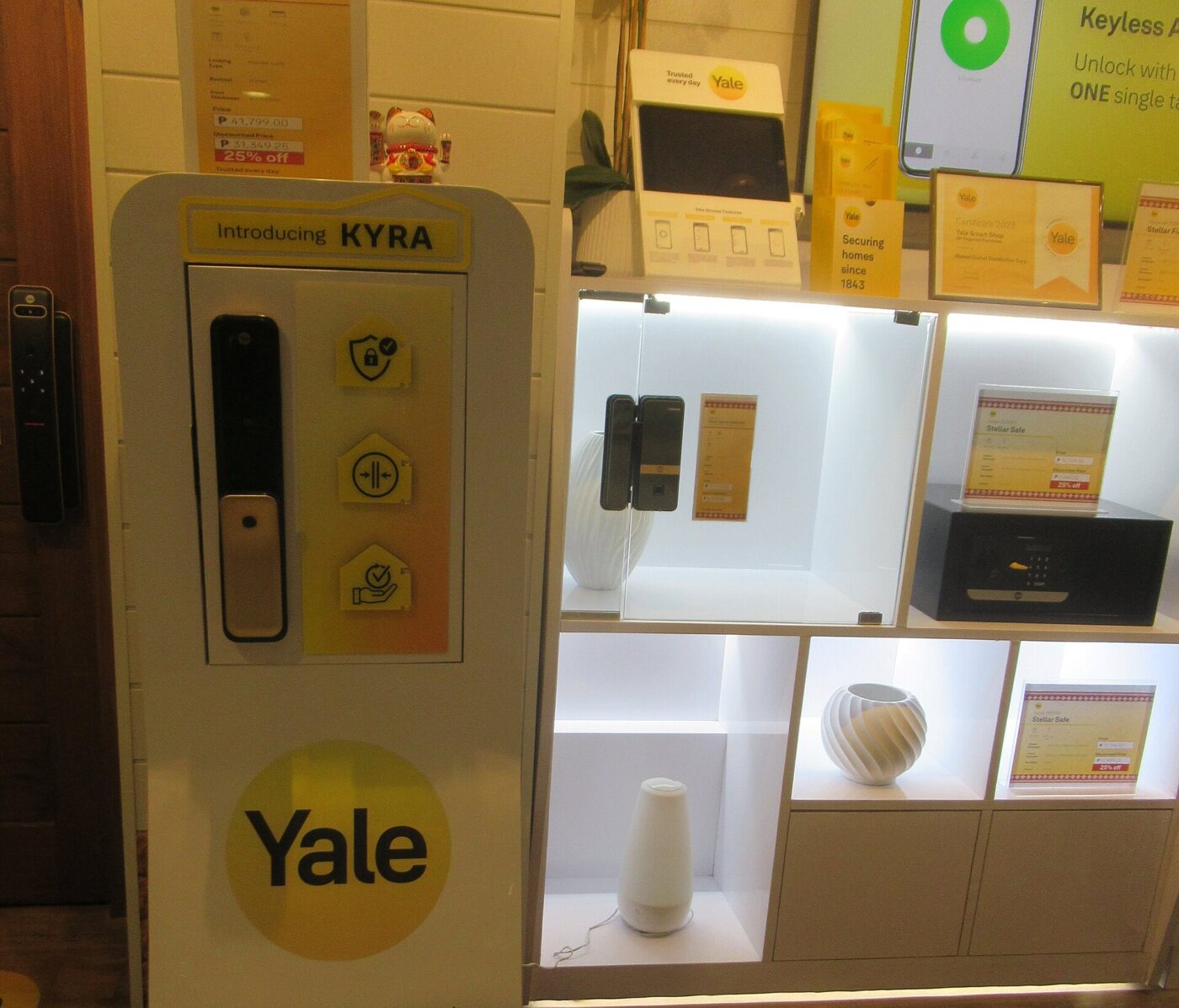
A motorized deadbolt uses battery power to drive the bolt and run the keypad and radio. As the batteries weaken, the lock warns you. Yale’s Assure Lock FAQ describes warning beeps and a visual low-battery indicator after a valid code, with normal operation continuing; at the critical level the lock flashes red and does not operate.
When the batteries are finally flat, every electronic route in stops together: codes, app, fingerprint, auto-lock and remote access. The bolt does not move on its own, so a lock that was locked stays locked. The risk is not a door left open. It is standing outside a closed one.
Yale says its batteries are expected to last up to a year under normal conditions and that extreme temperatures affect performance. Heavy daily use, frequent app connections and cold weather all shorten that in practice.
A smart lock rarely dies without warning. Treat the first low-battery alert as a job for this week, and keep spare batteries on the inside of the door.
The backup decides whether you get in
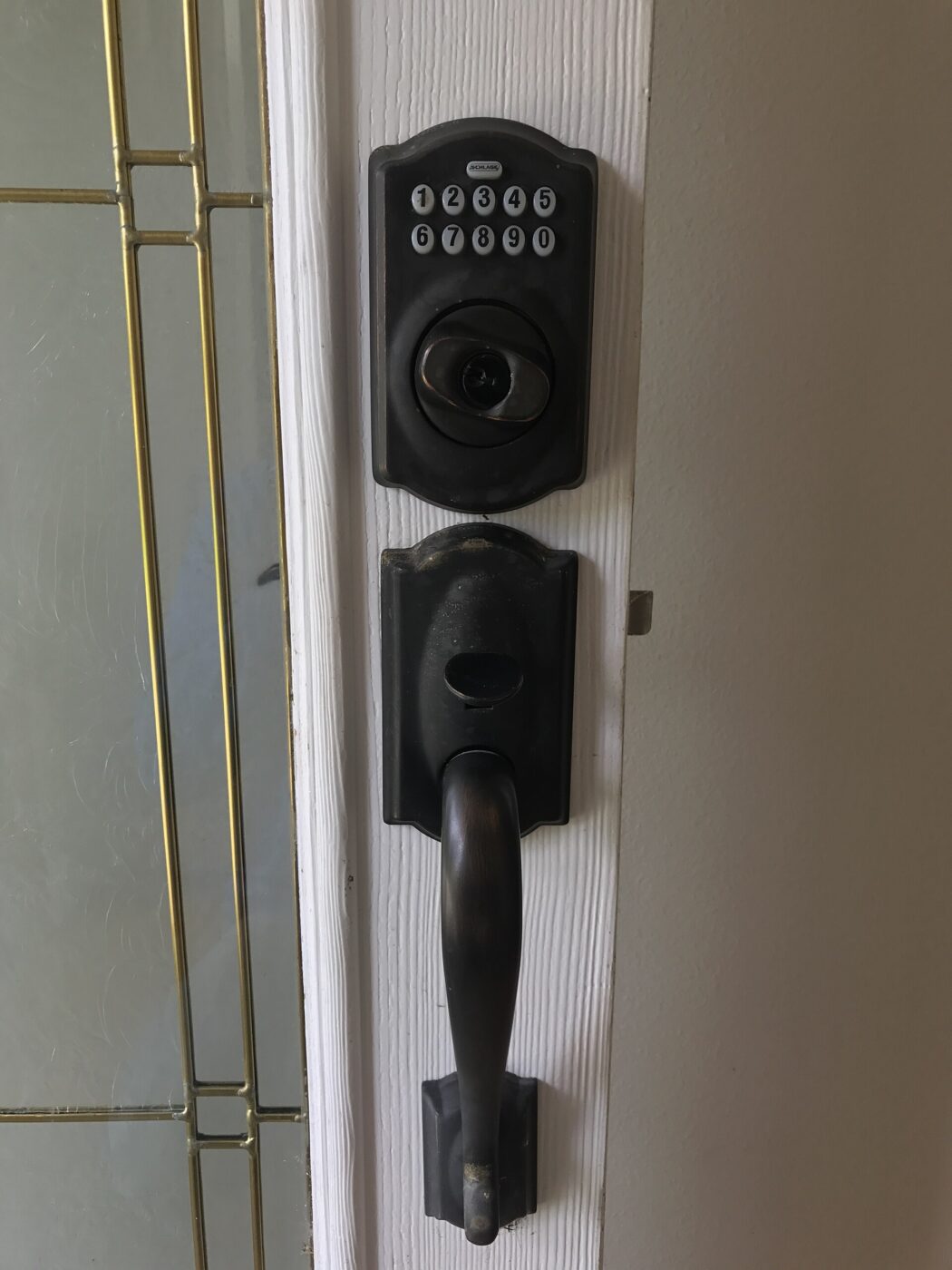
Makers take different approaches, sometimes within one brand. Schlage’s support site says its Encode series has no jump-start feature and relies on its internal AA batteries, so if they die you use the mechanical key; its Touch series offers a 9V jump-start instead. Yale’s FAQ says its keyed Assure models fall back on the mechanical key, while its key-free model has terminals on the front where a 9V battery can power the lock long enough to enter a code.
Each backup fails in a predictable way. A keyed lock only helps if the key is with you or hidden somewhere secure outside. A key-free lock only helps if you have a 9V battery in hand, which few people carry. The 9V trick provides temporary power; the AA batteries still need replacing once you are inside.
Removing the key cylinder is a real appeal of key-free locks, since there is nothing to pick or lose. The trade is that battery power becomes the only way in, so the discipline around replacing batteries has to be better.
- Keyed cylinder works with no power at all, as long as the key is with you.
- 9V emergency terminals wake some key-free locks long enough to enter a code.
- USB emergency power is offered on some models; check the manual for the port and cable.
- A second entry door with an ordinary key or garage keypad is an overlooked backup.
- Guest codes and app access do not help, because they depend on the same dead batteries.
Wi-Fi, Bluetooth, Z-Wave and Thread

The radio inside the lock mainly affects how often you change batteries and how you reach the lock from away. Built-in Wi-Fi connects straight to your router, which gives remote access without a hub but keeps a power-hungry radio busy. Bluetooth uses little power but only works near your phone unless a bridge relays it.
Z-Wave and Zigbee are low-power mesh radios that need a compatible hub. Thread is also a low-power mesh, used by many Matter devices, and it needs a Thread border router; Google’s setup guide says Matter devices that use Thread need a border router to complete setup. Many smart speakers, displays and routers include one, but check before buying.
No radio changes the lockout math. A lock with dead batteries cannot be unlocked remotely over any connection. What a connected lock adds is a low-battery notification that reaches you when you are away, which is valuable if you act on it.
| Radio | Needs | Battery drain | Remote access |
|---|---|---|---|
| Bluetooth | Phone nearby | Low | Only through a bridge or hub |
| Wi-Fi | Home router | Usually the highest | Direct |
| Z-Wave or Zigbee | Compatible hub | Low | Through the hub |
| Thread with Matter | Thread border router | Low | Through the border router and platform |
Avoiding a lockout
Replace batteries on a schedule rather than waiting for the alert, and use the battery type the manual specifies. Replace the whole set at once; mixing fresh cells with old ones shortens the life of the new ones.
Keep the backup working. Turn the mechanical key in the cylinder every few months so it does not stiffen, and learn where the 9V terminals are before you need them. A 9V battery in the car, with its terminals capped, or a key with a trusted neighbor turns a lockout into an inconvenience. Replace the car battery yearly, since heat drains it.
Check alerts are switched on in the app and that someone in the household actually receives them. A shared home with one account holder can mean the only person seeing the warning is traveling.
Before installing, decide which backup you will realistically have with you on the day you are locked out. If the honest answer is none, buy a keyed model.
The shortlist
Paid links: we earn a commission if you buy through the buttons below, at no extra cost to you. As an Amazon Associate I earn from qualifying purchases.
Compared on lockout backup
| Product type | Best for | Risk estimate | Where to buy |
|---|---|---|---|
| Keyed Smart Deadbolt with Keypad | Most forgiving backup | 28/100 | See listings on Amazon |
| Key-Free Smart Lock with 9V Terminals | No key to lose | 42/100 | See listings on Amazon |
| 9V Alkaline Batteries | Emergency power | 8/100 | See listings on Amazon |
Risk estimate is our editorial Fear Index for the product type (lower is safer), not a customer rating. How it is scored. The buttons open Amazon search results rather than one listing, so check the model on the product page.
Keyed Smart Deadbolt with Keypad
The most forgiving choice for households that ignore alerts. Hide or share the key sensibly.
- Mechanical key works with dead batteries
- Keypad and app for daily use
- Familiar fallback for guests
- Key must be with you to help
- Cylinder can be picked like any lock
Key-Free Smart Lock with 9V Terminals
A good lock for people who replace batteries on schedule. Keep a 9V battery outside the house, such as in the car.
- No cylinder to pick or key to lose
- 9V terminals as emergency power
- Clean exterior design
- Useless in a lockout without a 9V battery
- Battery discipline is essential
More: Smart Home & Security analyses and how the Fear Index is scored.
Questions people actually ask
What happens if a smart lock battery dies?
The keypad, app, fingerprint reader and auto-lock stop working and the bolt stays where it was. You need the mechanical key, or emergency power on models that support it.
Can you jump start a smart lock with a 9V battery?
On some models, yes. Others have no jump-start; Schlage’s support site, for example, says its Encode series relies on the mechanical key instead. Check your model’s manual.
How long do smart lock batteries last?
Some makers quote up to a year under normal conditions. Heavy use, Wi-Fi connectivity and extreme temperatures can shorten that considerably.
Do smart locks unlock when the battery dies?
No. A motorized deadbolt holds its last position, so a locked door stays locked until you use the backup key or emergency power.