A Smart Plug Rated 15 Amps Is Still the Wrong Switch for a Space Heater
A 1,500 W heater fits under an 1,800 W smart plug on paper, but runs for hours near the limit. What CPSC guidance and plug makers say about continuous loads.

Part of the guide: Tools and DIY Buying Mistakes: What Fails and How to Check Before You Buy
Scheduling a space heater from a phone is an obvious use for a smart plug, and the numbers on the packaging seem to allow it: a 15 amp, 1,800 watt plug and a 1,500 watt heater.
The rating is a ceiling, not a comfortable cruising speed. A heater is one of the few household loads that sits close to that ceiling for hours at a time, and safety guidance is clear that heaters belong directly in the wall.
Fear Index · Think twice
Hours of heater current through a small relay
Space heaters draw close to a smart plug’s maximum and keep drawing it for hours, the pattern that overheats extra connections between an appliance and the wall.
What the rating on the box means

Ordinary US household receptacles are 120 volt outlets on 15 or 20 amp circuits. Fifteen amps at 120 volts is 1,800 watts, which is why that figure appears on so many smart plugs: the plug is sized to the outlet it sits in. It is the most the plug is designed to carry, not a level it is designed to run at all evening.
Ratings also vary by model and by type of load. TP-Link’s support page, for example, names heaters, kettles and irons among the resistive loads its plugs are designed for, and warns that they are not suitable for high-power motor-driven loads such as air conditioners, refrigerators or washing machines, because of the inrush current those appliances draw at startup. Being a listed resistive load does not exempt a heater from the continuous-load limit covered next. Check the specification sheet for your exact model.
Inside, current passes through the plug’s prongs, a relay and short internal conductors, then through a second set of contacts into the appliance plug. Every connection has a little resistance and turns some current into heat. A smart plug adds connections, and connections are where overheating starts.
| Appliance | Load pattern | Smart plug fit |
|---|---|---|
| LED lamps and holiday lights | Low | Ideal use |
| Fan or small humidifier | Low, small motor | Usually fine within the rating |
| Kettle or coffee maker | High, short bursts | Check the rating; do not run it unattended |
| Window air conditioner | Motor with startup surge | Only with a plug rated for it |
| Portable space heater | High, continuous for hours | Plug directly into the wall |
Why space heaters are the worst case

The Consumer Product Safety Commission advises always plugging electric space heaters directly into a wall outlet and never into an extension cord or power strip, to prevent overloading and fire. Its guidance does not name smart plugs, but a smart plug sits in exactly the position a power strip would: an extra device between heater and wall.
The arithmetic is unforgiving. A 1,500 watt heater at 120 volts draws 12.5 amps, about 83 percent of a 15 amp rating, and it can hold that for hours. TP-Link advises that for continuous long-term operation the connected load should be kept at 80 percent or less of the plug’s maximum rated power. A typical heater on a typical plug is already past that line.
The stakes are not abstract. CPSC estimates portable heaters were involved in about 1,600 fires a year from 2019 to 2021, with about 70 deaths and 160 injuries annually. It also advises keeping heaters at least three feet from drapes, furniture and bedding and never leaving them on while sleeping.
Schedule heat with the heater’s own thermostat and timer, or buy a heater with app control built in, and plug it straight into the wall.
Warning signs at the outlet
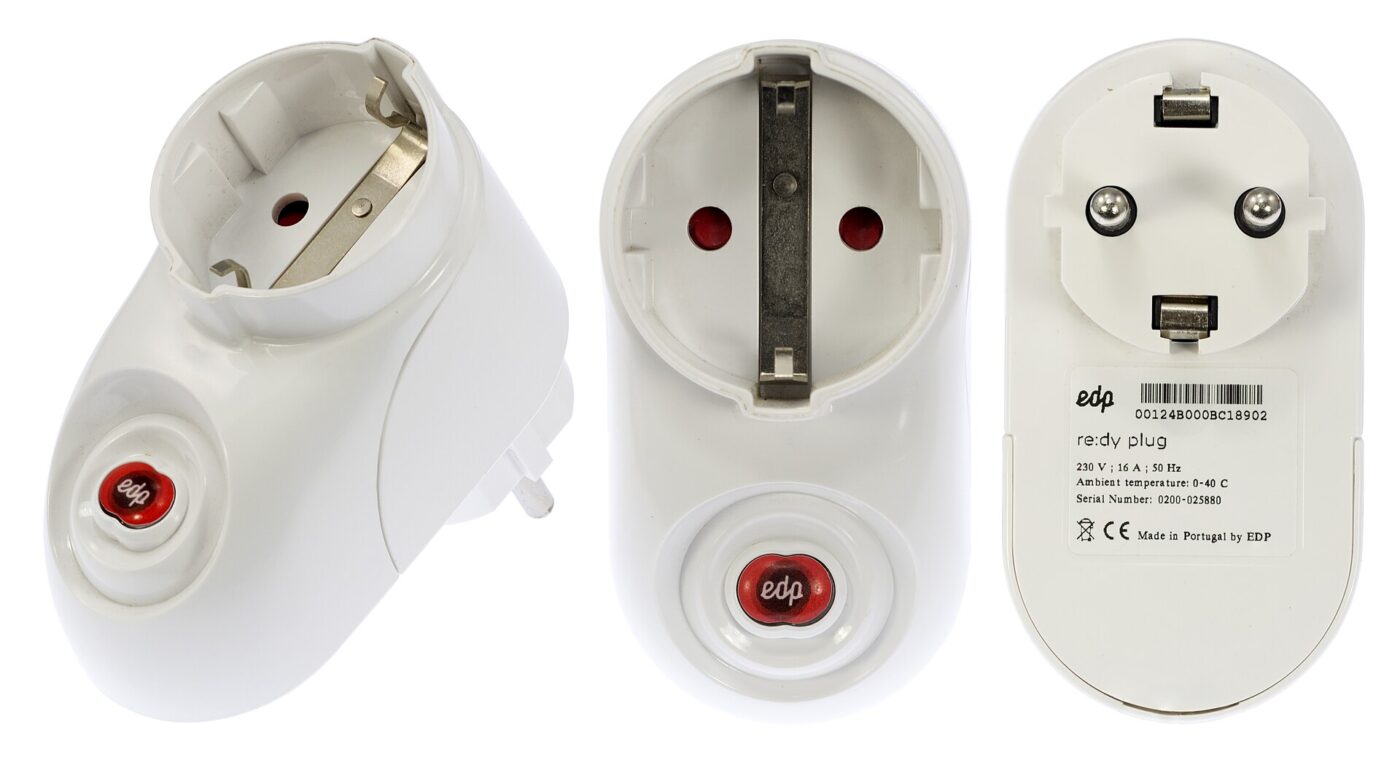
Overheating connections usually show signs before they fail: a plug body that is hot rather than warm, discoloration around the prongs or outlet face, a smell of hot plastic, or a plug that sags loosely in a worn receptacle. A loose fit reduces contact area, which raises resistance and heat.
Stacking devices hides the total load. TP-Link says plugging a power strip into a smart plug is not recommended, because a smart plug has a lower maximum capacity than a power strip and it is easy to overload it without realizing. The US Fire Administration adds that major appliances should go directly into a wall outlet and that extension cords can overheat and start a fire.
If you see any of these signs, switch off and unplug the appliance and stop using that outlet until a qualified electrician has checked it.
- A hot plug body after an hour of use means the connection is working too hard.
- Brown or melted marks on the plug or outlet mean stop using both.
- A loose outlet that lets plugs sag creates resistance and heat.
- Power strips on smart plugs hide the total load behind one small relay.
- Repeated breaker trips when an appliance runs usually point to an overloaded circuit.
What to automate instead
Smart plugs are well suited to low, steady loads: lamps, holiday lights, fans, small humidifiers and chargers. These draw a small fraction of the rating and leave plenty of headroom.
For heat, look for heaters with built-in thermostats, timers, tip-over switches and, if you want it, app control, all without an extra device at the outlet. For window air conditioners, use only a plug the maker rates for that kind of motor load. Hardwired electric heat is a job for a line-voltage smart thermostat installed by a qualified electrician.
Whatever you buy, choose plugs certified by a recognized testing laboratory, such as those carrying UL, ETL or CSA marks. Certification shows the plug was tested to a safety standard; it does not make every load within the printed rating a good idea.
Leave headroom. Keep continuous loads well below the plug’s rating, and use an energy-monitoring plug to see what an appliance really draws before automating it.
The shortlist
Paid links: we earn a commission if you buy through the buttons below, at no extra cost to you. As an Amazon Associate I earn from qualifying purchases.
Compared on safe use
| Product type | Best for | Risk estimate | Where to buy |
|---|---|---|---|
| 15 A Smart Plug (Certified) | Low-draw automation | 22/100 | See listings on Amazon |
| Space Heater with Thermostat and Timer | Scheduling heat safely | 30/100 | See listings on Amazon |
| Smart Plug with Energy Monitoring | Measuring real load | 20/100 | See listings on Amazon |
Risk estimate is our editorial Fear Index for the product type (lower is safer), not a customer rating. How it is scored. The buttons open Amazon search results rather than one listing, so check the model on the product page.
Space Heater with Thermostat and Timer
Gets the schedule without the extra connection. Follow the heater’s manual on clearance and never run it while sleeping.
- No extra device between heater and wall
- Built-in thermostat and timer
- Tip-over and overheat protection on many models
- Less flexible than app automation
- Still needs clearance and supervision
Smart Plug with Energy Monitoring
Measure an appliance before automating it. Anything close to the rating for long periods does not belong on a smart plug.
- Shows actual watts in the app
- Reveals high startup draw
- Useful for spotting standby waste
- Same load limits as any smart plug
- Readings are estimates, not lab data
More: Smart Home & Security analyses and how the Fear Index is scored.
Sources
- There’s a Chill in the Air: Stay Warm Safely, Be Cautious When Using Generators, Furnaces and Space Heaters — U.S. Consumer Product Safety Commission
- What Loads Can Be Connected to the Tapo/Kasa Plug — TP-Link
- TP-Link Smart Plug and Switch: Common Questions Answered — TP-Link
- Appliance and Electrical Fire Safety — U.S. Fire Administration
Questions people actually ask
Can you plug a space heater into a smart plug?
It is not recommended. CPSC advises plugging space heaters directly into a wall outlet, never into extension cords or power strips, and a typical 1,500 W heater runs above the 80 percent continuous-load level that TP-Link, for one, recommends for its plugs.
How many watts can a smart plug handle?
Many US smart plugs are rated 15 A, which is 1,800 W at 120 V, but ratings vary by model and by load type. Check the specification sheet and leave headroom for anything that runs continuously.
Why is my smart plug getting hot?
Usually because the load is high and continuous, the outlet is worn and loose, or several devices are stacked behind it. Unplug it and stop using that outlet until it has been checked.
Can I plug a power strip into a smart plug?
TP-Link, for one, advises against it. A power strip can carry more than the smart plug is rated for, making it easy to overload the plug without noticing.