A Wi-Fi Extender Usually Halves Your Speed. A Mesh Node Might Not.
A repeater talks to the router and your laptop on the same radio, halving throughput. What backhaul means and when a mesh is worth the money.

Part of the guide: Tech and Audio Buying Mistakes: What Fails and How to Check Before You Buy
There is a dead zone in the house. You buy a $30 extender, plug it in halfway, and the bars come back. Then video still buffers, and the fault seems inexplicable because the signal is now strong.
Signal strength was never the problem. The problem is that the extender has to say everything twice.
Fear Index · Think twice
It fixes the symptom you can see
The bars go up, which is the thing being measured, so the purchase feels successful. Throughput — the thing you actually wanted — went down.
Why an extender halves throughput
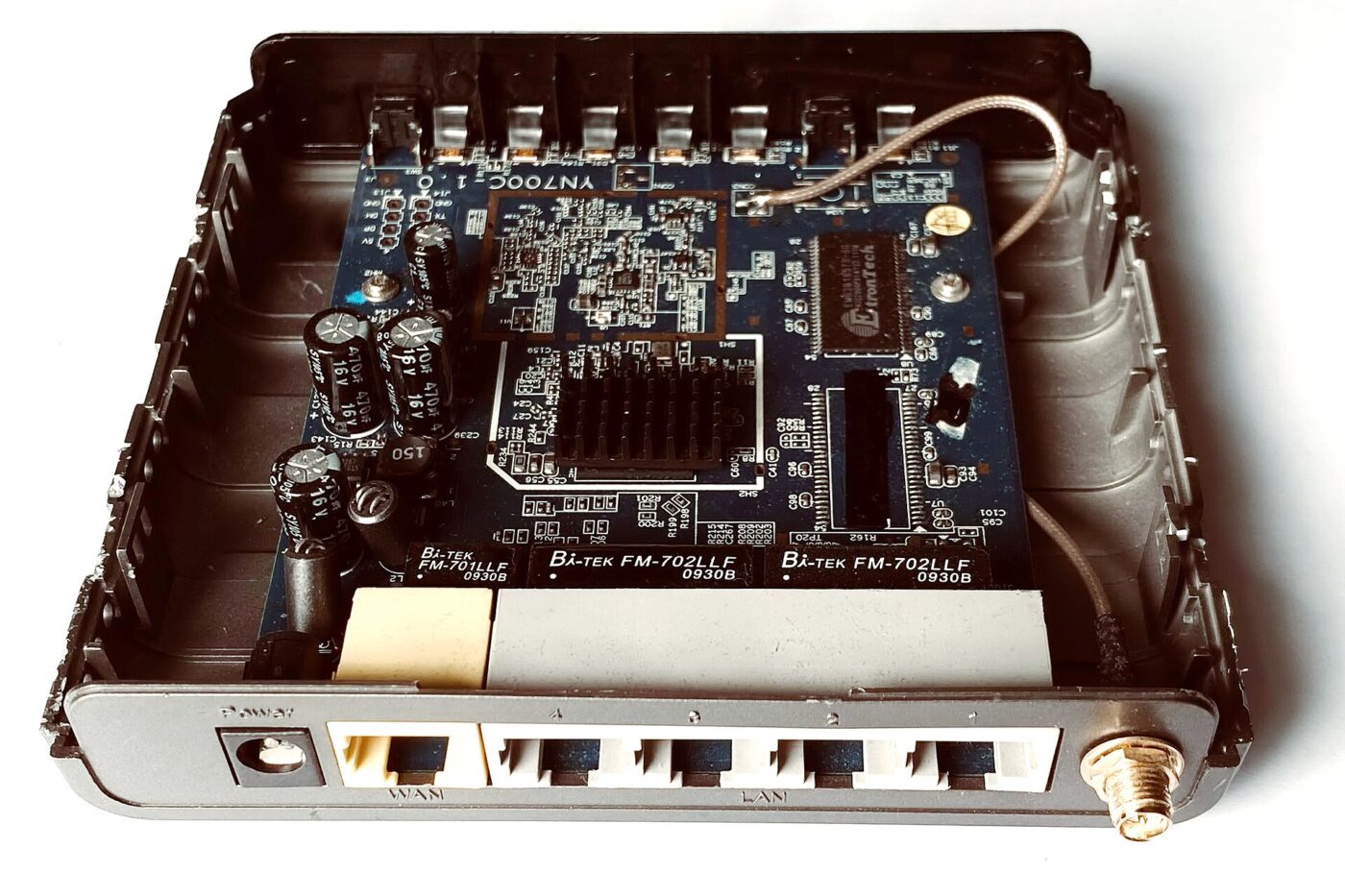
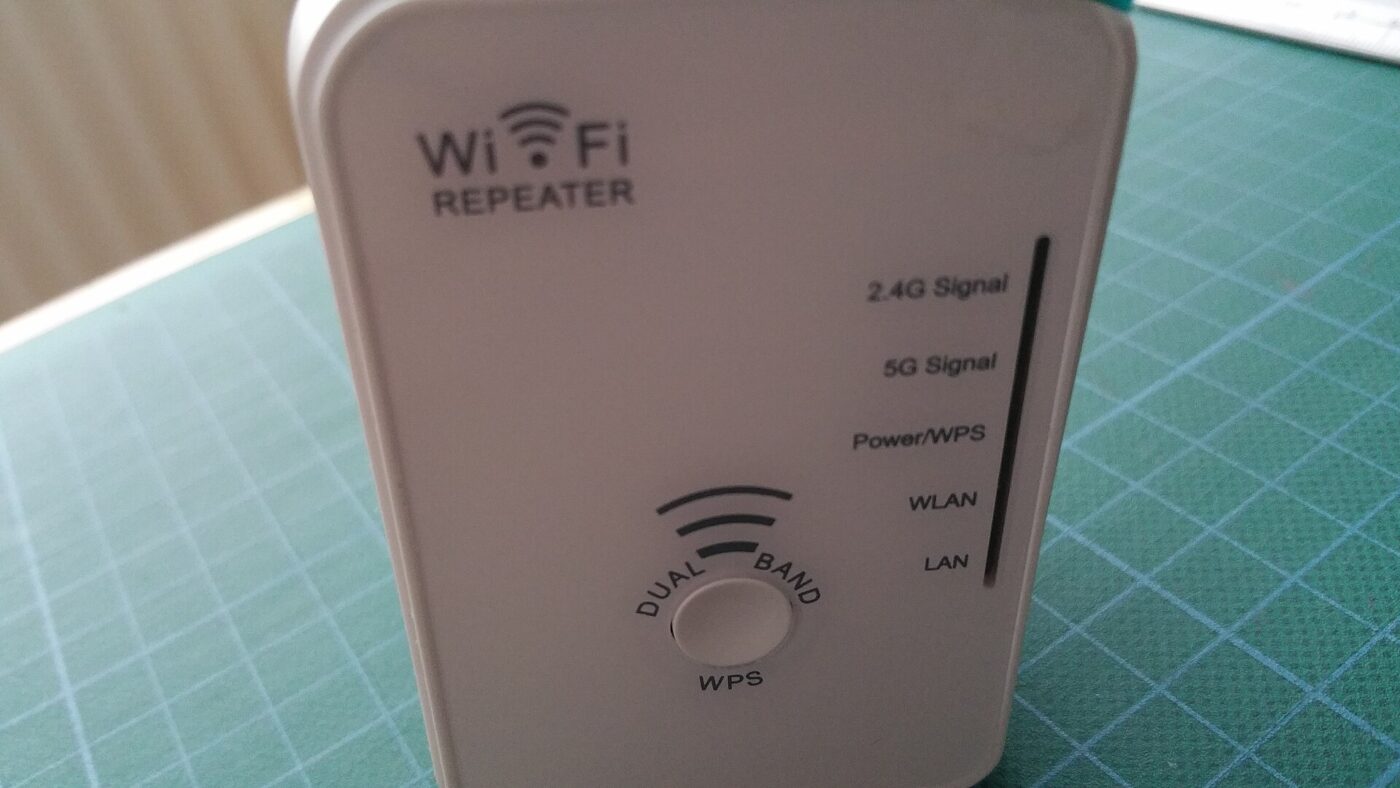
A radio cannot transmit and receive on the same channel at the same time. A basic extender has one radio doing both jobs: it listens to the router, then repeats to your laptop, alternating.
Every packet therefore crosses the air twice, on the same channel, occupying it twice. Your effective throughput is roughly half the link speed — before accounting for the interference the extender adds to its own parent link.
Backhaul is the term for the path a node uses to reach the router. Give the node a separate route and the halving disappears.
| Backhaul | Throughput cost | Found in |
|---|---|---|
| Shared radio | About 50% lost | Cheap extenders, dual-band mesh |
| Dedicated radio | Small loss | Tri-band mesh |
| Ethernet cable | Essentially none | Any mesh with a LAN port |
| Powerline | Varies with wiring | Powerline kits |
A dual-band mesh node and a cheap extender have the same fundamental limit. If a mesh system does not state a dedicated wireless backhaul band or Ethernet backhaul support, treat it as a tidier extender — many Wi-Fi 6E and Wi-Fi 7 systems labeled “tri-band” share their extra 6 GHz band with client devices rather than reserving it for backhaul.
The cheapest real fix is a cable

If you can run Ethernet to where the second access point should go, do that. A run of cable costs a few dollars, has no throughput penalty, and turns almost any spare router into a proper access point.
Where cable is impossible, powerline is the next best thing — and it is the option most sensitive to your house. It uses the household wiring as a network, so results depend on circuit layout and age. Two outlets on different breaker circuits can be dramatically slower than two on the same one.
When an extender is still the right answer
Halving a fast link can still leave plenty. If the dead zone is a backyard office used for email and calls, and the extender gets 40 Mbps there, the math works.
The rule of thumb: extenders are for coverage of low-bandwidth areas. Mesh is for making the whole house behave as one fast network.
How to check before you buy
Product listings rarely use the word “backhaul,” so the spec sheet has to be read for what it implies rather than what it says outright.
- Look for a stated backhaul band or an Ethernet/LAN port on every node. Either is a genuine sign of dedicated backhaul; the word “tri-band” alone is not, since some Wi-Fi 6E and 7 systems pool all three bands for client devices.
- Check the router placement, not just the node. A dedicated-backhaul mesh still needs its main unit wired to your modem; only the node-to-node link is wireless.
- Test the actual dead zone before buying anything. A free Wi-Fi analyzer app shows the current signal there. If it is merely weak rather than absent, a single extender may already be enough.
- Match node count to the house, not the box. A 2-pack covers a typical house; adding a third node to a large or multi-floor house is usually cheaper than buying a “better” 2-pack.
Paid links: we earn a commission if you buy through the buttons below, at no extra cost to you. As an Amazon Associate I earn from qualifying purchases.
Compared by how traffic gets back to the router
| Product type | Best for | Risk estimate | Where to buy |
|---|---|---|---|
| Mesh Wi-Fi System (2-pack) | Whole-house speed | 38/100 | See listings on Amazon |
| Powerline Adapter Kit | Cable-free backhaul | 45/100 | See listings on Amazon |
| Plug-In Wi-Fi Extender | One low-bandwidth corner | 62/100 | See listings on Amazon |
Risk estimate is our editorial Fear Index for the product type (lower is safer), not a customer rating. How it is scored. The buttons open Amazon search results rather than one listing, so check the model on the product page.
Mesh Wi-Fi System (2-pack)
The right answer when the whole house needs to be fast. Check for tri-band or dedicated backhaul in the specification — that is what you are paying for.
- Tri-band keeps a radio dedicated to backhaul
- One network name across the house
- Accepts an Ethernet cable if you can run one
- Several times the price of an extender
- Dual-band models do not solve the problem
Plug-In Wi-Fi Extender
Not a mistake — a different tool. For one corner that needs a working connection rather than a fast one, it is the proportionate purchase.
- Cheap, and actually extends coverage
- No reconfiguration of the main router
- Fine for calls, email and browsing
- Roughly halves throughput
- Often creates a second network name
Questions people actually ask
Does a Wi-Fi extender slow down your internet?
It roughly halves throughput in the extended area, because one radio both receives from the router and retransmits to your device. Signal bars improve while speed falls.
Is mesh Wi-Fi better than an extender?
Only if it has dedicated backhaul. A stated backhaul band or Ethernet backhaul keeps a radio purely for node-to-router traffic and avoids the halving; dual-band mesh, and some “tri-band” Wi-Fi 6E/7 systems that pool all bands for client devices, have the same limitation as an extender.
What is Wi-Fi backhaul?
The path a node uses to reach the main router. It can be a dedicated radio, an Ethernet cable, or shared with client traffic — and which one decides almost all of the performance.
Is powerline better than a Wi-Fi extender?
Often, because it keeps backhaul off the air. Results depend heavily on your wiring, and outlets on different breaker circuits can be much slower than outlets on the same one.