Projector Lumens Without a Standard Behind Them Tell You Almost Nothing
A lumen figure means little unless it names a measurement standard. How screen size and room light decide brightness, with the math to check a projector.

Part of the guide: Tech and Audio Buying Mistakes: What Fails and How to Check Before You Buy
Projector listings compete on one number: lumens. Some are measured under a published standard. Others are light-source figures, peak values or numbers with no method attached, and they can be several times higher than what reaches the screen.
Even an honest figure is only the start. The screen size, the screen surface and the light already in the room decide whether that output looks punchy or gray.
Fear Index · Think twice
A big number with no measurement method
A projector that looks washed out in any room that is not dark, bought because its box number beat a properly rated competitor, is the common result.
What a lumen figure should mean
A lumen rating is supposed to describe how much light the projector puts out through its lens. The traditional ANSI method averaged several readings taken across the projected image rather than trusting a single bright spot. Epson, a projector manufacturer, says it specifies white brightness using ISO 21118, an international standard, and color brightness using a separate method, IDMS 15.4, so that projectors can be compared.
The distinction between white and color brightness matters. Epson’s buying guide notes that when a listing gives only one lumen rating, it typically refers to white brightness, and that the actual brightness of color may be as little as one-third of the lumens stated. Two projectors with the same white rating can look quite different on a colorful game or film.
Figures described as lumens, LED lumens, light-source lumens or with no qualifier at all cannot be compared with standardized ratings. They may describe the lamp or LEDs before losses in the optics, or a method the seller chose. Treat them as unrated.
Even a named standard is not automatically honest. Epson has filed and settled a series of false-advertising lawsuits against projector brands since late 2024, and the corrected figures show how far marketing numbers can drift: AWOL Vision agreed to cut its LTV-3000 laser projector from 3,000 to 2,000 lumens, and Yaber corrected an 18,000-lumen claim on one model to 140 lumens, with the revised figures brought in line with ISO 21118. A named standard on the box is a starting point for comparison, not proof the number was measured correctly.
| Figure on the listing | What it usually describes | How to treat it |
|---|---|---|
| ISO 21118 or ISO lumens | White brightness under the international standard | Comparable between models |
| ANSI lumens | Averaged brightness across the image | Comparable only when genuinely measured; the label is sometimes misused |
| Color brightness (IDMS 15.4) | Brightness of colored images | Compare alongside white brightness |
| Lumens, LED lumens, light-source lumens | Often the light source or an unstated method | Not comparable; look for a rated figure |
Screen size divides the light
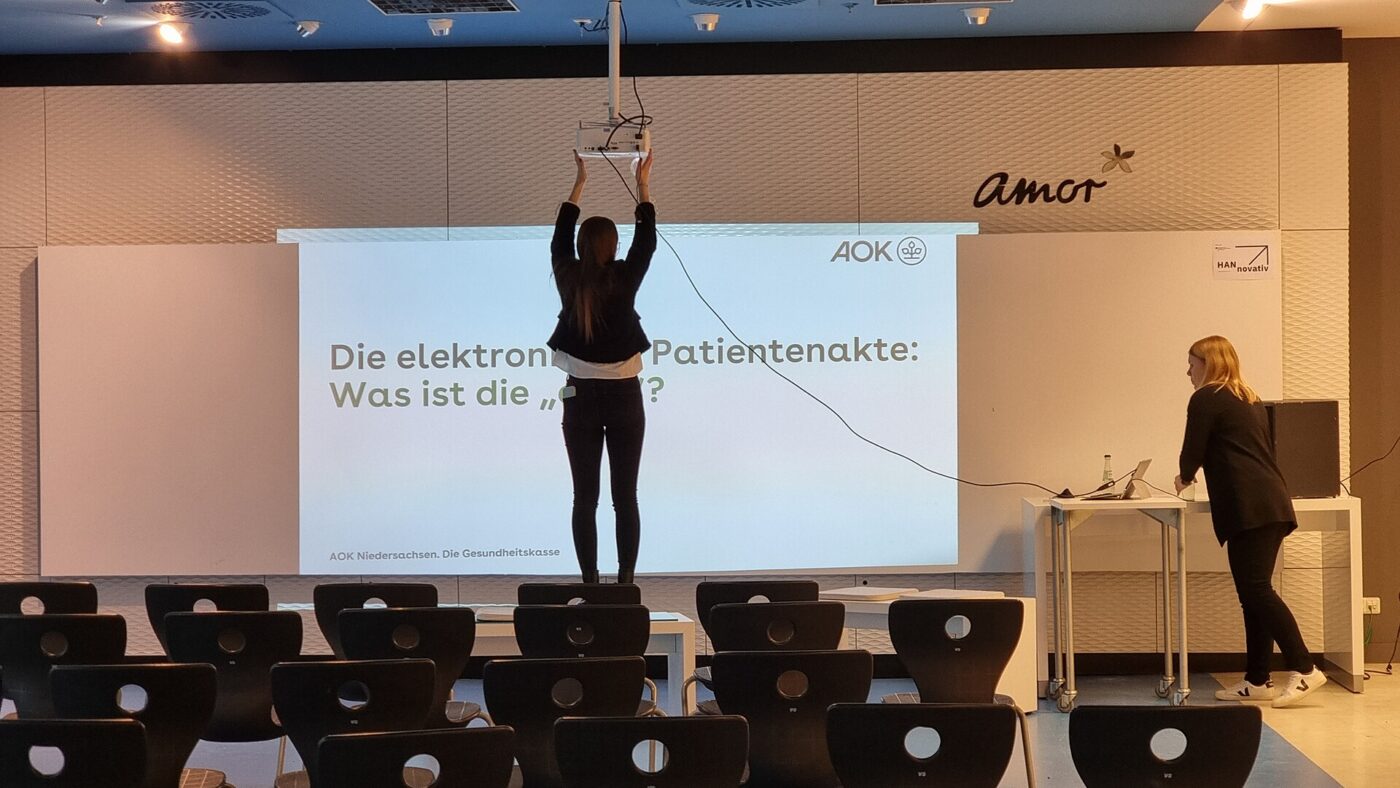
Projector brightness on the screen depends on how much area the light is spread across. Elite Screens, a screen manufacturer, gives the basic arithmetic: work out the screen area in square feet, divide the projector’s lumens by that area to get foot-lamberts, then multiply by the screen’s gain.
A 100-inch 16:9 screen is about 87 by 49 inches, or roughly 30 square feet. A projector that genuinely delivers 2,000 lumens produces about 67 foot-lamberts on a 1.0-gain screen. Move to a 120-inch screen of about 43 square feet and the same projector drops to roughly 47 foot-lamberts. Those are best-case numbers: eco modes, color-accurate picture modes and ageing light sources all reduce output.
For context, Elite Screens cites a range of 12 to 22 foot-lamberts, with 16 as the ideal, for a darkened room, and around 50 foot-lamberts for rooms with ambient light.
Screen area rises with the square of the diagonal. Going from 100 to 120 inches increases the area by about 44 percent and cuts on-screen brightness by about 30 percent.
Ambient light is the real competitor

A projector cannot project black. The darkest part of the image is whatever the screen looks like with the room’s own light falling on it. Daylight or a lamp in the room raises that floor, so shadows turn gray and colors lose depth even if the bright parts of the picture look acceptable.
Epson’s guide suggests a minimum of 1,500 lumens for home theater projectors where ambient light is kept to a minimum, and at least 2,500 lumens for rooms with windows. More lumens help, but controlling light usually helps more per dollar: blackout curtains, dark walls near the screen, and a smaller image all raise perceived contrast.
Ambient light rejecting screens help in rooms that cannot be darkened, but they are designed around a particular projector position. Some are intended for projectors mounted high or on the ceiling, others for ultra-short-throw models placed just below the screen. Match the screen type to the projector before buying, and expect narrower good viewing angles on many of them.
Reading a spec sheet before buying
Before comparing prices, check whether the two projectors are even being described in the same terms. A few minutes with the full specification sheet avoids most brightness disappointments.
If a listing will not say how its lumens were measured, assume the figure is not comparable and look for independent reviews that measured brightness with a meter. A projector that states a smaller, standardized number can easily be the brighter of the two on the wall.
- Look for a named standard such as ISO 21118 or ANSI next to the lumen figure.
- Find color brightness as well as white brightness, especially for games and animation.
- Check which picture mode produced the maximum figure; accurate modes are usually dimmer.
- Calculate foot-lamberts for your planned screen size rather than trusting a maximum screen size claim.
- Separate native resolution from supported input. Accepting a 4K signal is not the same as showing 4K detail.
- Check throw distance so the image size you want fits the room at the brightness you need.
The shortlist
Paid links: we earn a commission if you buy through the buttons below, at no extra cost to you. As an Amazon Associate I earn from qualifying purchases.
Compared on what they add to the picture
| Product type | Best for | Risk estimate | Where to buy |
|---|---|---|---|
| Home Projector with a Standardized Lumen Rating | A rated light source | 30/100 | See listings on Amazon |
| Ambient Light Rejecting Screen (100 in) | Rooms with some light | 40/100 | See listings on Amazon |
| Matte White Fixed-Frame Screen (100 in) | Dark, dedicated rooms | 20/100 | See listings on Amazon |
Risk estimate is our editorial Fear Index for the product type (lower is safer), not a customer rating. How it is scored. The buttons open Amazon search results rather than one listing, so check the model on the product page.
Home Projector with a Standardized Lumen Rating
A smaller standardized figure can beat a bigger unrated one on the wall. Run the foot-lambert math for your screen size.
- Brightness measured to a named method
- Comparable across brands
- Easier to size the screen
- Rated numbers look smaller than unrated ones
- Still dims in eco modes
Matte White Fixed-Frame Screen (100 in)
In a room you can darken, a plain matte white screen and a properly rated projector give a clean, even image.
- Even brightness across wide angles
- Flat surface without wall texture
- Inexpensive for the size
- Reflects room light as well
- Needs a darkened room for contrast
More: Gaming & Entertainment analyses and how the Fear Index is scored.
Questions people actually ask
What is the difference between ANSI lumens and lumens?
ANSI and ISO lumens are measured with published methods. A plain lumen or LED lumen figure may describe the light source or an unstated method and cannot be compared directly.
How many lumens do I need for a projector?
It depends on screen size and room light. Epson suggests at least 1,500 lumens for dark home theaters and 2,500 for rooms with windows; calculating foot-lamberts for your screen is more precise.
Can you use a projector in daylight?
It is difficult. Daylight on the screen raises black levels. Higher brightness, a smaller image, blackout curtains or an ambient light rejecting screen all help.
Does a bigger screen make a projector dimmer?
Yes. The same light is spread over more area. Going from a 100-inch to a 120-inch screen cuts brightness by about 30 percent.