Stick Drift Is Wear Inside the Stick, and Most Fixes Only Buy Time
Most analog sticks sense position with potentiometers that wear. Calibration and cleaning can hide drift for a while; magnetic sensing removes the wear point.

Part of the guide: Tech and Audio Buying Mistakes: What Fails and How to Check Before You Buy
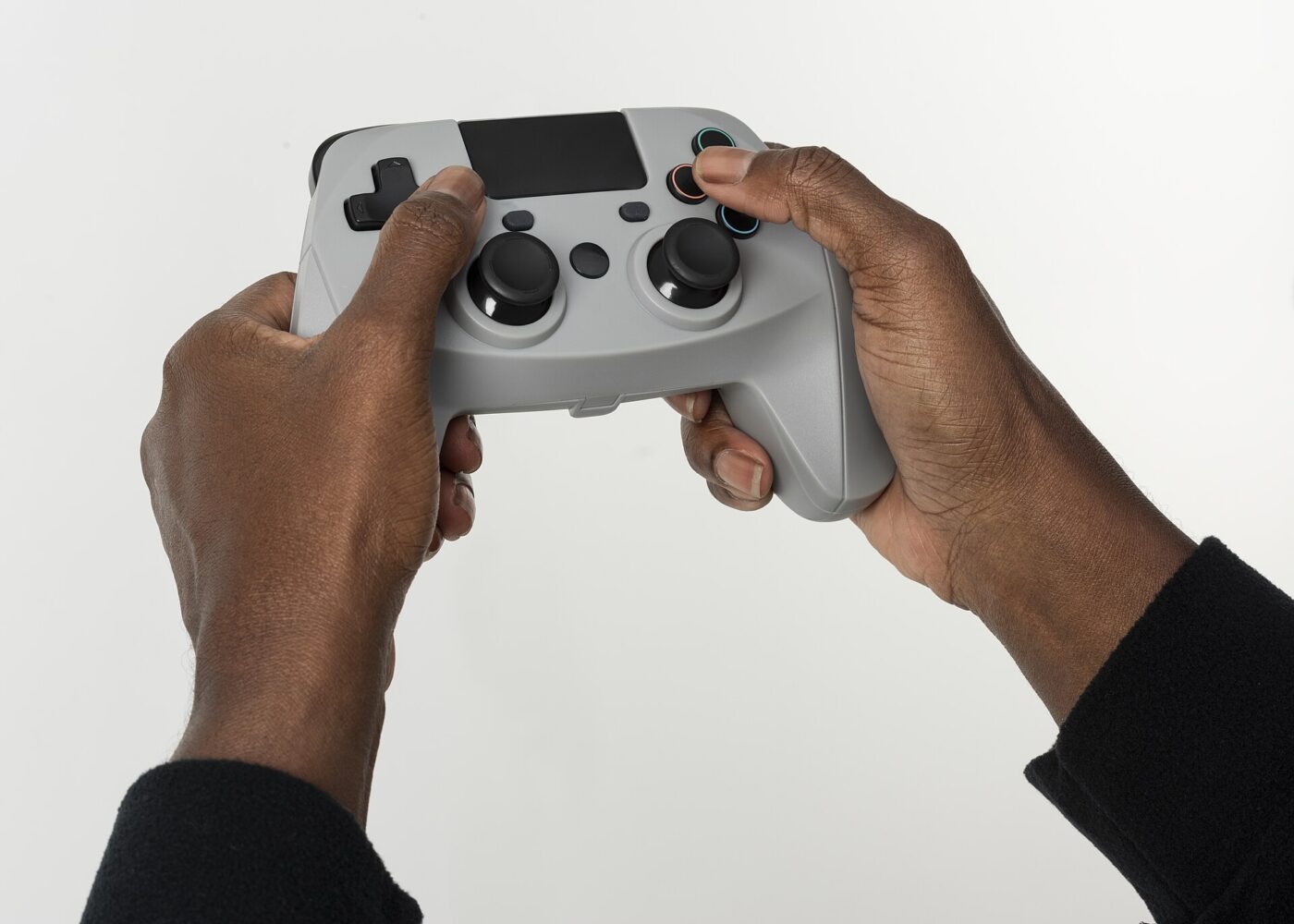
Stick drift starts small: the camera creeps sideways, a menu cursor slides on its own, a character walks when nobody is touching the controller. It is easy to assume a setting has gone wrong.
In most controllers it is a hardware problem. The part that measures where the stick is pointing wears as it is used, and the fixes passed around online mostly change how that worn reading is interpreted rather than repairing it.
Fear Index · Think twice
A worn part treated like a settings problem
Weeks go into calibration and cleaning tricks, and the repair or replacement gets paid for anyway, usually right after the warranty has lapsed.
Why a stick starts to drift
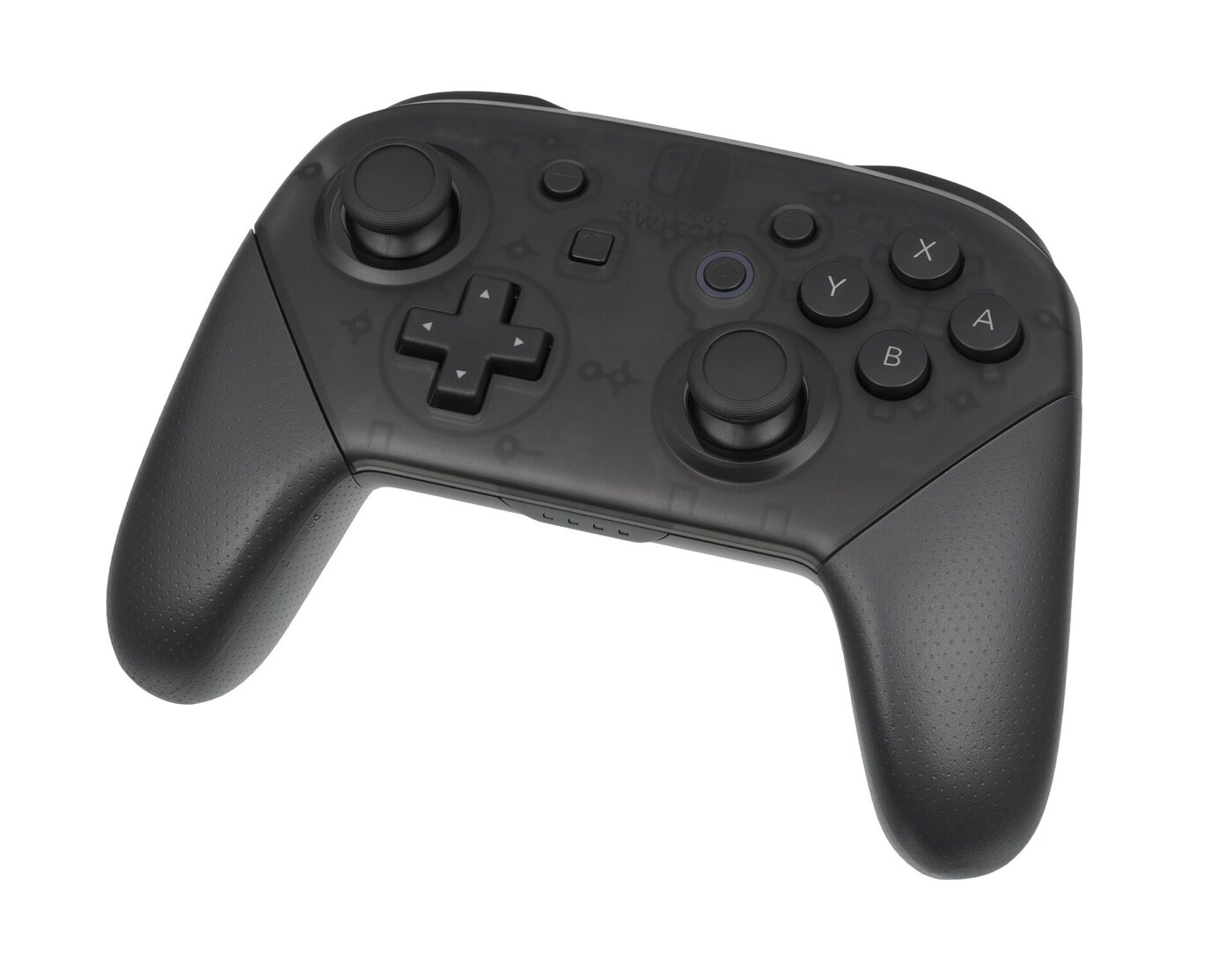
A conventional analog stick sits on two potentiometers, one for each axis. Inside each, a small metal wiper slides across a resistive track as the stick moves. The controller reads the resulting voltage and turns it into a position. When the stick is released, springs return it to the center, and the controller expects to see the same center reading every time.
Wear changes that reading. As the track and wiper rub, the surface erodes, debris collects and contact becomes less consistent. The resting value drifts away from true center, or jumps around slightly. Controllers ignore small offsets with a dead zone, which is why drift often appears suddenly: the wear has been building for months, and it only becomes visible once it exceeds the dead zone.
These parts have a finite rated life. One component maker’s datasheet for a common potentiometer thumbstick module lists two million cycles for its directional movement. That sounds like a lot, but games involve constant small corrections, and heavy daily play accumulates movement quickly. Debris, spilled drinks and grip pressure all shorten the practical life further.
Drift is normally a measurement problem at the stick itself. Anything that does not replace or remove the worn sensor is a way of living with it, not a cure.
The fixes that only buy time
Start with the official steps, because they cost nothing and occasionally the problem really is software. Nintendo’s support page for drifting Joy-Con sticks, for example, lists updating the console and controller firmware, removing any skins or covers from the controller, calibrating the sticks and checking whether a game has tilt controls enabled. It also says plainly that if the sticks cannot be calibrated, the controller will need to be serviced.
Beyond that, most popular fixes work by hiding the symptom. They can be worth trying on an out-of-warranty controller, as long as you know what they are doing.
- Recalibration teaches the controller a new center point. It helps until wear moves the reading again.
- A larger dead zone in game or system settings ignores the offset, at the cost of fine aiming near center.
- Electronic contact cleaner sprayed under the stick base can flush debris. Results are unpredictable and drift often returns.
- Compressed air removes loose dust around the stick opening but cannot reach a worn track.
- Rotating the stick firmly may reseat the wiper briefly. It does nothing for the worn surface.
- Opening the controller to clean it can void the warranty, so check warranty status first.
Hall-effect and TMR sticks

Magnetic sticks replace the rubbing parts with a small magnet on the stick shaft and a sensor chip beneath it. Tilting the stick moves the magnet, and the chip reads the change in the magnetic field. Nothing slides across a track, so the classic wear mechanism behind drift is gone.
There are two main sensor types. A Hall-effect sensor produces a small voltage in response to a magnetic field. A tunneling magnetoresistance (TMR) sensor changes its resistance instead. Allegro MicroSystems, a sensor manufacturer, notes that for a given field the TMR effect produces a much larger output signal than the Hall effect, often 100 to 1,000 times larger, which means less amplification, less noise and a design that suits battery-powered devices where supply current matters. In a controller that can translate into steadier readings and better battery life, although implementation matters more than the label.
Magnetic sensing does not make a controller immortal. Return springs weaken, the plastic gimbal that the stick pivots in wears, stick caps and rubber grips degrade, and buttons and triggers fail on their own schedules. A magnetic stick with a loose gimbal can still fail to return cleanly to center. Keep strong magnets away from the sticks, as with any magnetic sensor, and expect to calibrate occasionally.
Repair, replace or switch
If the controller is under warranty, use it before trying anything invasive. Manufacturers may repair or replace a drifting controller under warranty, and opening the shell or using solvents can give them a reason to decline.
Out of warranty, the choice depends on skill and on which controller you own. Potentiometer modules are usually soldered to the board, so replacing one is a desoldering job with a real risk of lifting pads. Magnetic replacement modules exist for some popular controllers and remove the wear point permanently, but fit and calibration support vary by model and revision.
| Option | Effort | Fixes the cause? | Watch for |
|---|---|---|---|
| Warranty repair | Low | Yes, for now | Replacement may use the same stick type |
| Calibration or dead zone | Low | No | Drift returns as wear continues |
| New potentiometer module | High, soldering | Resets the clock | Same wear mechanism as before |
| Magnetic replacement module | Medium to high | Removes track wear | Model fit, calibration support, warranty loss |
| Controller with magnetic sticks | Low | Removes track wear | Console compatibility, missing features |
For a new purchase, magnetic sticks are the one feature that addresses drift directly. Confirm the controller is supported on your console and keeps the features you use, such as rumble, motion controls or wake from sleep.
The shortlist
Paid links: we earn a commission if you buy through the buttons below, at no extra cost to you. As an Amazon Associate I earn from qualifying purchases.
Compared on whether they remove the wear point
| Product type | Best for | Risk estimate | Where to buy |
|---|---|---|---|
| Wireless Controller with TMR Sticks | Battery life and precision | 28/100 | See listings on Amazon |
| Wired Controller with Hall-Effect Sticks | PC and budget play | 26/100 | See listings on Amazon |
| Hall-Effect Thumbstick Replacement Modules | Repairing a controller you own | 55/100 | See listings on Amazon |
Risk estimate is our editorial Fear Index for the product type (lower is safer), not a customer rating. How it is scored. The buttons open Amazon search results rather than one listing, so check the model on the product page.
Wireless Controller with TMR Sticks
Removes the wear mechanism behind most drift. Check that it works with your console and keeps the features you rely on.
- No sliding track to wear
- Strong signal with low noise
- Suits battery-powered designs
- Springs and gimbals still wear
- Feature support varies by console
Hall-Effect Thumbstick Replacement Modules
A lasting fix for the sensor wear behind most drift on an out-of-warranty controller, if you are comfortable with electronics repair. Confirm the exact model and board revision first.
- Keeps the controller you already own
- Removes the worn potentiometers
- Cheaper than a new premium controller
- Soldering or careful disassembly
- Fit varies by controller revision
More: Gaming & Entertainment analyses and how the Fear Index is scored.
Questions people actually ask
What causes controller stick drift?
Usually wear or debris in the potentiometers that measure stick position. The resting reading moves away from center, and once it exceeds the dead zone the game sees movement.
Can stick drift be fixed permanently?
Only by replacing the worn sensor. Calibration, dead zones and contact cleaner can reduce symptoms temporarily, but they do not repair a worn track.
Do Hall-effect controllers get stick drift?
They avoid the resistive track wear behind most drift because the sensor does not touch the magnet. Springs, gimbals and calibration can still cause problems over time.
Is TMR better than Hall effect?
TMR sensors produce a much larger signal for the same magnetic field, which helps with noise and power use. How well a controller is built and calibrated still matters more than the sensor name.