Standing Desks Wobble Most at the Height You Will Actually Stand At
Desks are stable sitting and shaky standing, because legs extend. Stage count, frame design and depth decide how much the monitor shakes.

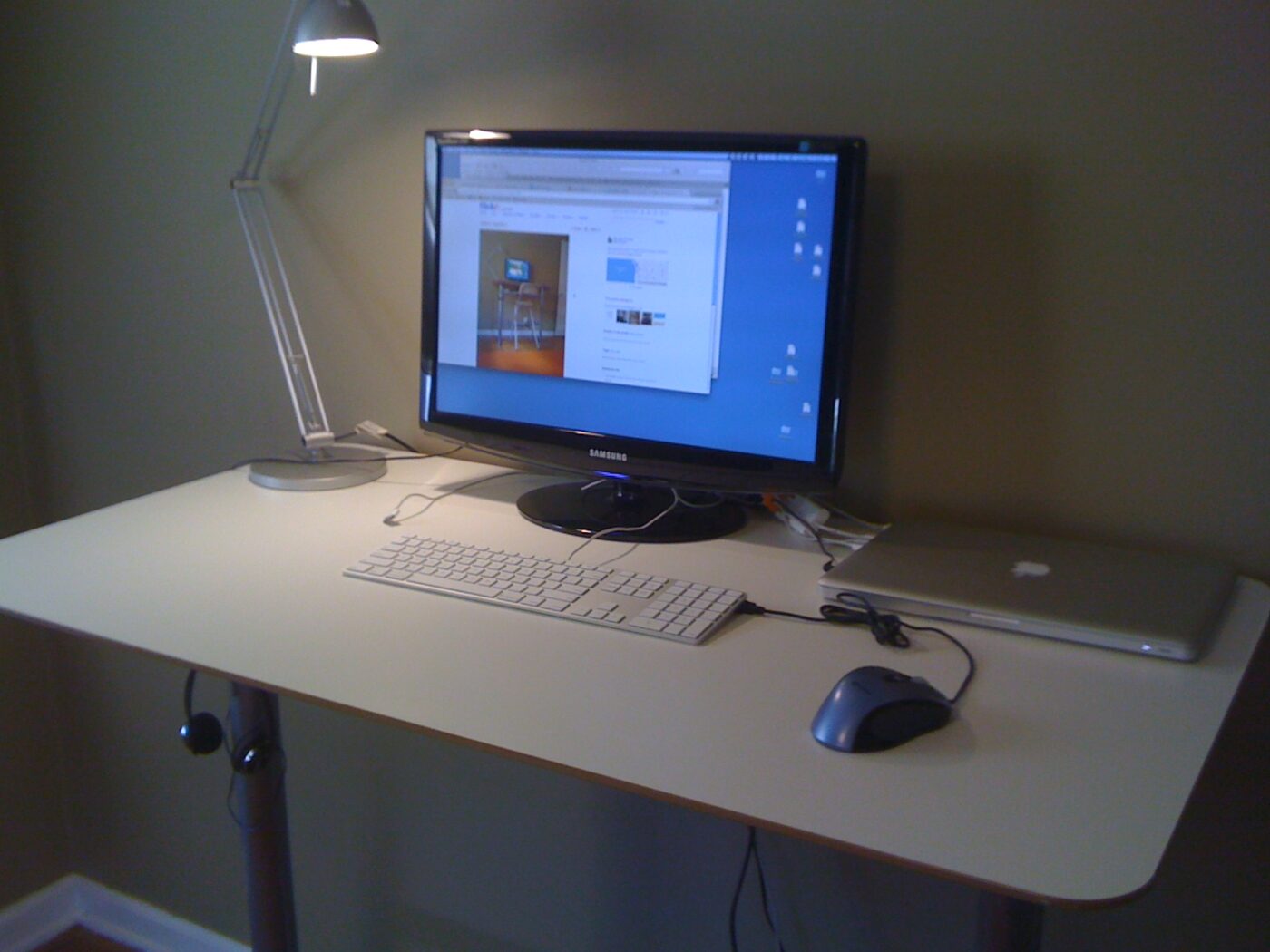
A standing desk tested at sitting height feels solid. Push it up to standing height and type, and the monitors start to bounce.
That is not a defect in one unit. It is physics: a leg is a lever, and extending it lengthens the lever while overlapping tube sections get shorter.
Fear Index · Think twice
Stable in the showroom, shaky in use
A monitor that bounces with every keystroke at standing height is a common reason standing desks end up permanently lowered.
Why height creates wobble
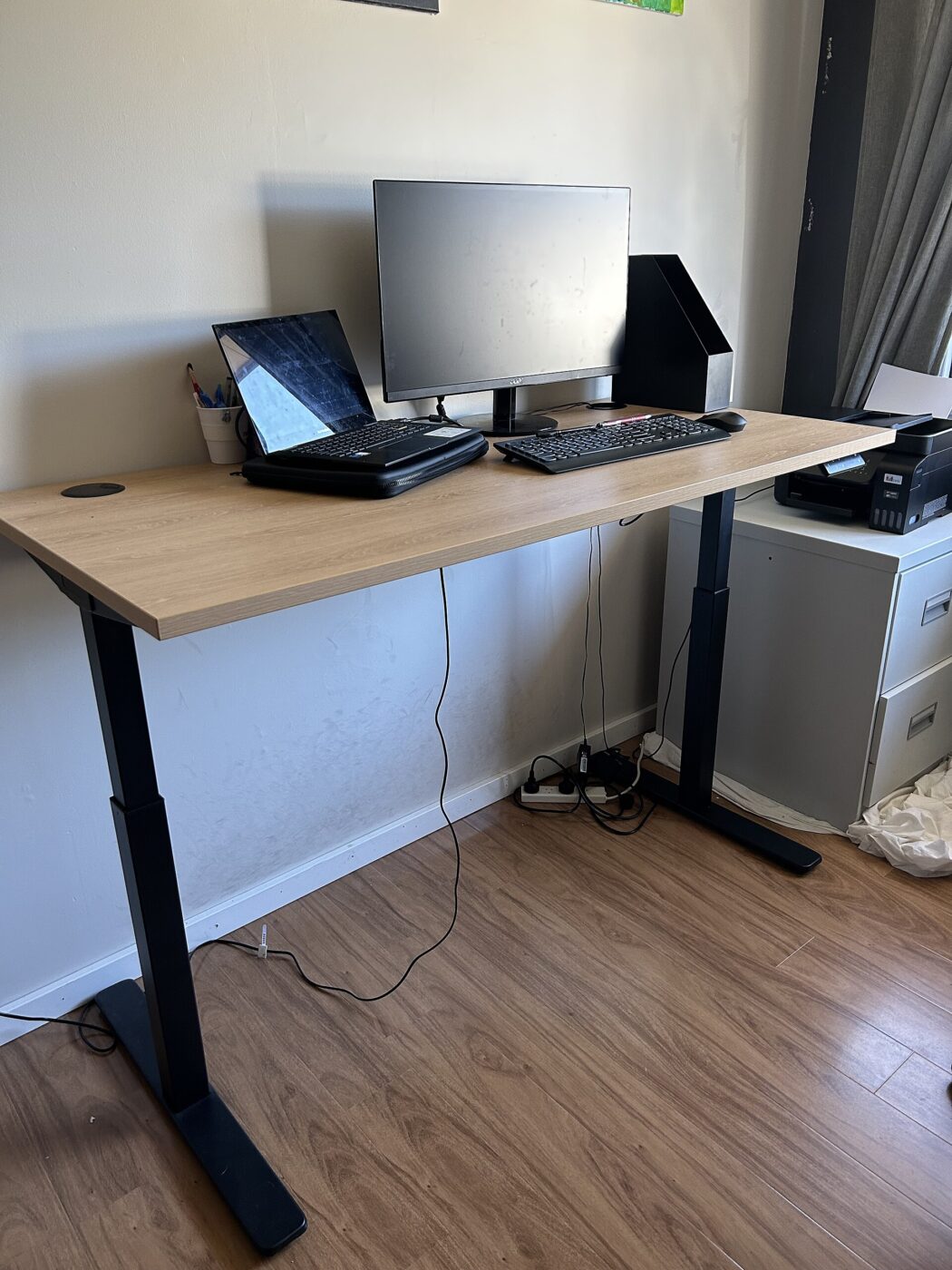
Telescoping legs are nested tubes. At full extension the overlap between them is smallest, which is where side-to-side play shows.
Two directions of wobble matter differently. Side-to-side is usually controlled by the frame’s crossbar. Front-to-back is the harder one, because a desk’s depth is short compared with its width.
- Three-stage legs reach higher with more overlap at a given height than two-stage.
- Leg placement — feet set further forward and back resist front-to-back rocking.
- Wider, heavier tubes flex less; frame weight is a rough proxy for rigidity.
- Crossbars and bracing between the legs cut side-to-side sway.
Raise any desk you are considering to your own standing height before judging it. Standing elbow height for most adults is well above sitting height, and that is where the stability test counts.
Motors, capacity and height range
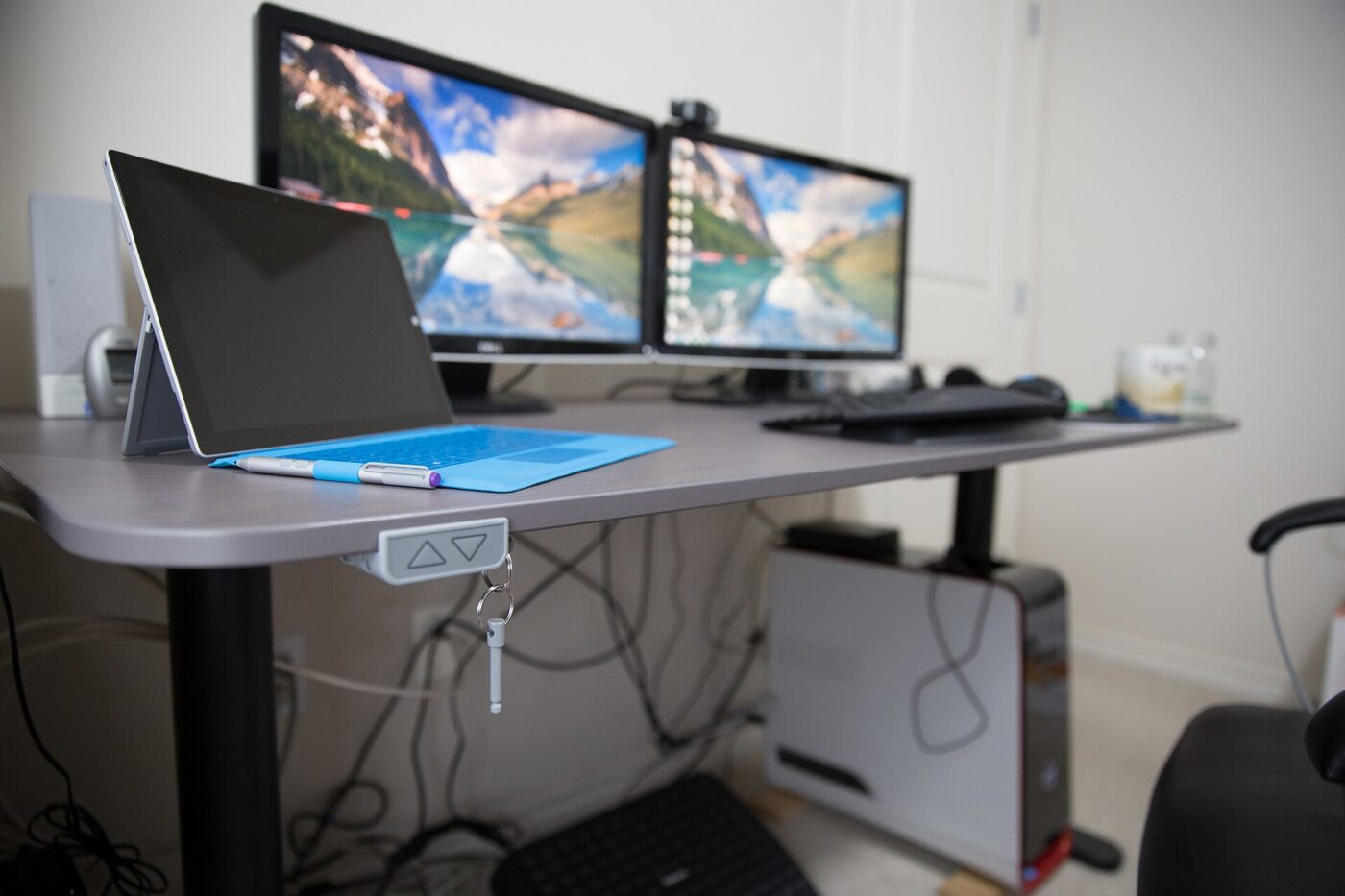
Single-motor desks drive both legs through a shaft. They are cheaper and generally lighter duty. Dual-motor desks put a motor in each leg, lift more evenly, carry more weight and tend to use heavier frames.
Check the height range against your body. Short users need a low minimum to sit properly; tall users need a high maximum. The right standing height puts forearms roughly level with the desk and elbows around 90 degrees.
Weight capacity should cover desktop, monitors, computer and anything leaned on the surface — with margin, because motors struggle near their limit.
Monitor arms amplify it

A monitor arm clamped to the rear edge moves the screen’s mass away from the frame and upward. Any movement at the desk surface becomes larger movement at the screen.
That does not mean avoiding arms. It means mounting them close to a leg, keeping the arm short, and choosing a frame rigid enough for the combination. A cable tray under the desk also stops cables tugging the frame as it rises.
Finally, standing all day is not the goal. The evidence points to benefits from varying posture rather than replacing sitting with standing, so a stable desk used for regular changes is the aim.
What the BIFMA stability standard covers
Commercial-grade standing desks are often tested to ANSI/BIFMA X5.5, which applies a lateral force at the desk edge, cycles the lift mechanism tens of thousands of times, and checks stability with a monitor mounted at height.
The standard is pass/fail, not comparative. It confirms a desk clears a minimum bar, not how it stacks up against a specific competitor at your height and load. A desk can be BIFMA-tested and still feel wobblier than one that is not, if your setup sits outside what the test simulated.
Product pages that cite BIFMA testing are a reasonable filter for ruling out flimsy frames, but they are no substitute for raising the actual desk to your own standing height with your own monitor arm attached before buying.
Treat a BIFMA claim as a floor, not a guarantee. The test that matters most is the one you run yourself in the showroom.
The shortlist
Paid links: we earn a commission if you buy through the buttons below, at no extra cost to you. As an Amazon Associate I earn from qualifying purchases.
Compared on stability at height
| Product type | Best for | Risk estimate | Where to buy |
|---|---|---|---|
| Dual-Motor Standing Desk, 3-Stage Legs | Tall users and heavy setups | 26/100 | See listings on Amazon |
| Single-Motor Standing Desk | Budget, lighter setups | 42/100 | See listings on Amazon |
| Standing Desk Converter | Converting an existing desk | 34/100 | See listings on Amazon |
Risk estimate is our editorial Fear Index for the product type (lower is safer), not a customer rating. How it is scored. The buttons open Amazon search results rather than one listing, so check the model on the product page.
Dual-Motor Standing Desk, 3-Stage Legs
The frame type that stays steady at standing height with monitors on arms. Check its minimum height if you are short.
- Three-stage legs keep more overlap at height
- Even lifting with heavy setups
- Wide height range suits tall users
- Expensive
- Heavy to assemble
Standing Desk Converter
A reasonable way to try standing before committing. The trade is that keyboard and monitor heights cannot be set independently.
- No new desk or assembly of legs
- Cheaper than a full frame
- Moves with you
- Raises keyboard and screen together
- Reduces usable desk space
More: Office and Study analyses and how the Fear Index is scored.
Questions people actually ask
Why does my standing desk wobble when raised?
Telescoping legs have the least overlap between tube sections at full extension, and a taller leg acts as a longer lever. Three-stage legs and heavier frames reduce it.
Is a dual-motor standing desk worth it?
For heavy setups, tall users or monitor arms, usually yes. Dual motors lift evenly, carry more weight and tend to come with more rigid frames.
What height should a standing desk be?
So your forearms are roughly level with the surface and elbows are around 90 degrees while standing, with shoulders relaxed.
Should I stand all day at a standing desk?
No. The evidence favors varying posture regularly rather than replacing sitting with prolonged standing.