Brightness Is Not the Problem With Your Desk Lamp. Color Rendering Is.
Lumens measure quantity. CRI measures whether colors look right under it, and flicker measures whether the light is steady.

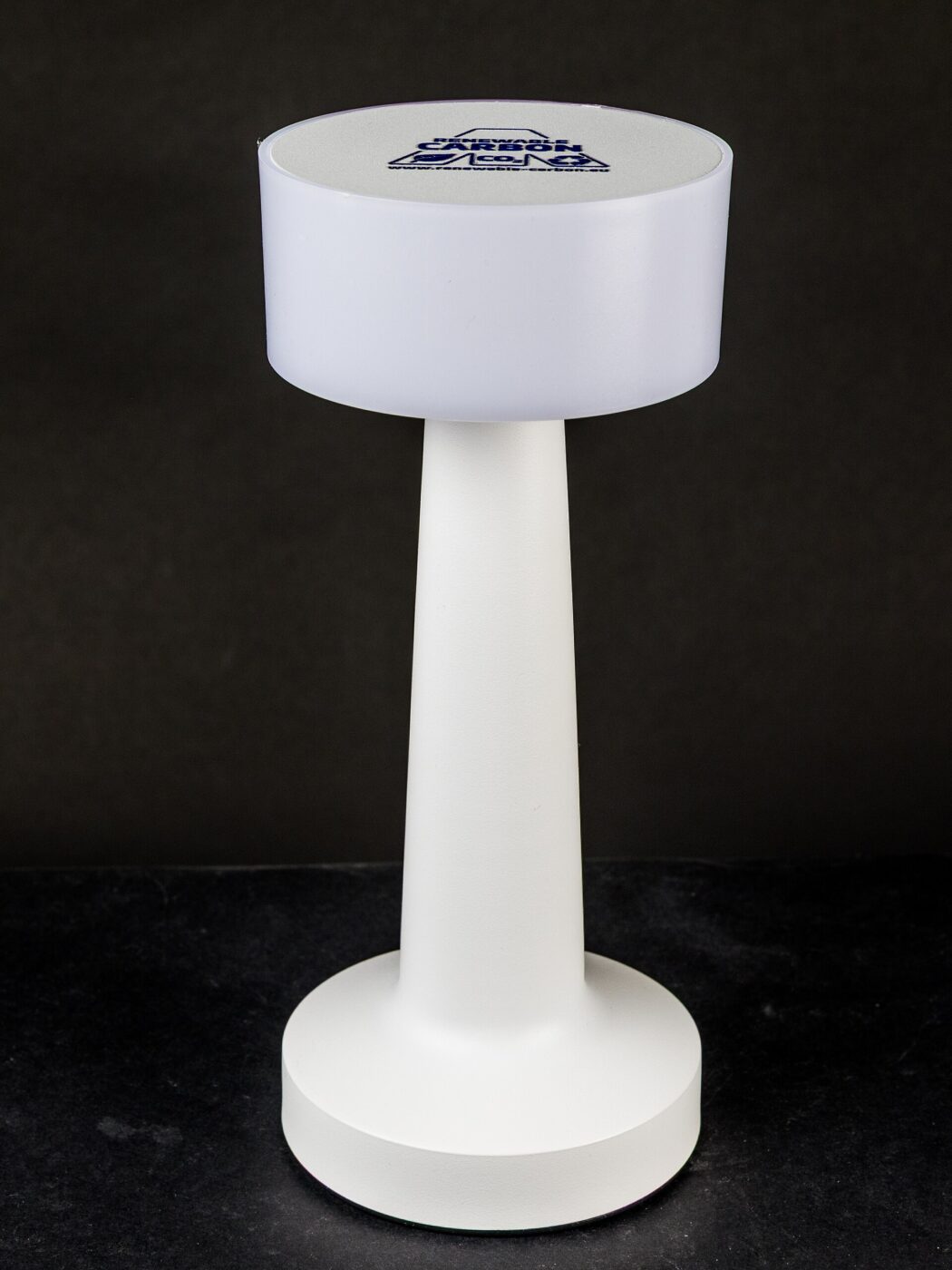
Desk lamps are sold on brightness and on color temperature. Both are easy to measure and both are genuinely useful.
Neither tells you whether the light is pleasant to work under, and the specification that does is frequently absent from the listing entirely.
Fear Index · Think twice
Quantity advertised, quality omitted
Nothing breaks. The light is simply unpleasant to work under, and the reason is a specification most listings do not include.
Three numbers, only one advertised
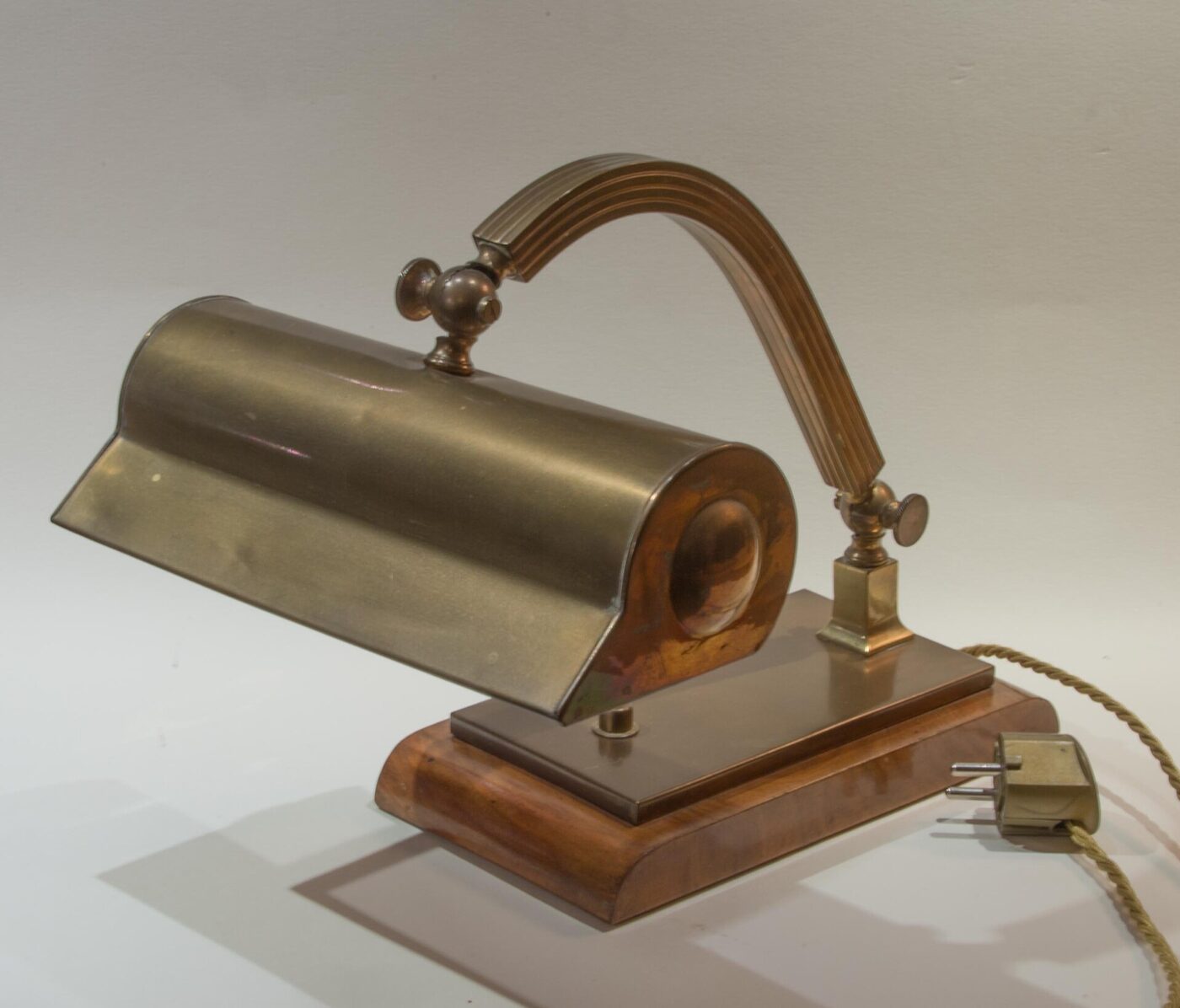
Lumens measure a lamp’s total light output. For a desk lamp, somewhere around 400–800 lumens of output is usually enough for close work; more is not better if it produces glare.
Color temperature, in kelvin, describes whether the light is warm or cool. 2700K is warm like an old bulb, 4000K is neutral, 6500K is daylight and reads as harsh in a dim room.
CRI — color rendering index — describes how accurately colors appear compared with natural light, on a scale to 100. Cheap white LEDs sit around 70–80, where reds in particular look muddy and skin tones look wrong.
A lamp listing that quotes lumens and kelvin but not CRI has almost certainly chosen not to. Anything above 90 is good; 95+ matters for art, photography and anything where you judge color.
Flicker you cannot consciously see

LEDs respond instantly to current, so the quality of the driver electronics determines whether the output is steady. Cheap drivers pass ripple from household AC current through to the light largely unfiltered, producing flicker at 120 Hz — double the 60 Hz US supply, because the ripple peaks twice per cycle. Some dimmable models add a second, independent flicker from their dimming circuit at a different frequency.
Most people cannot consciously perceive it, but it has been linked to headaches, eye strain and reduced reading comfort in people sensitive to it — which is exactly the complaint people bring to desk lamps.
You can test for it without equipment. Wave a pencil quickly under the lamp: a steady light shows a smooth blur, a flickering one shows distinct separate images of the pencil. A phone camera in slow motion shows it clearly too.
Position matters as much as the lamp
Glare and shadow cause more discomfort than any specification.
- Light from the side opposite your writing hand, so your hand does not shadow the page.
- The bulb should never be directly visible from your seated position. A diffuser or a shade that hides the emitter is worth more than extra lumens.
- Do not work with one bright lamp in a dark room. The contrast between the pool of light and the surroundings forces constant pupil adjustment. Keep some ambient light on.
- Warmer in the evening. Bright cool light late suppresses melatonin; many lamps now adjust color temperature for this reason.
Why the listing skips it
The FTC requires light bulb packaging to carry a Lighting Facts label showing brightness in lumens, estimated yearly energy cost, expected life, light appearance (warm to cool) and wattage. CRI is not one of the required fields, which is the practical reason so many listings simply leave it off rather than concealing something.
That makes CRI the one number you have to go looking for. Check the manufacturer’s spec sheet rather than the marketplace listing title, since sellers often omit it there even when the manufacturer publishes it elsewhere. A quick search for the model number plus “CRI” or “spec sheet” usually turns it up even when the sales page does not mention it.
A published CRI is not independently audited the way lumens and energy use are, so treat a number with no test standard named beside it as a claim rather than a guarantee — still more useful than no number at all, but not a substitute for checking reviews from people doing color-sensitive work. Two lamps advertising the same CRI can still look different side by side, because CRI averages performance across a standard set of reference colors rather than guaranteeing every color renders equally well. If color accuracy genuinely matters — art, sewing, makeup, print proofing — judge the lamp by eye against a known reference before committing, not by the number alone.
The shortlist
Paid links: we earn a commission if you buy through the buttons below, at no extra cost to you. As an Amazon Associate I earn from qualifying purchases.
Compared on light quality
| Product type | Best for | Risk estimate | Where to buy |
|---|---|---|---|
| High-CRI Adjustable Desk Lamp | Detail and color work | 22/100 | See listings on Amazon |
| Clamp-Mount LED Desk Lamp | General study | 26/100 | See listings on Amazon |
| Monitor Light Bar | Reducing glare | 30/100 | See listings on Amazon |
Risk estimate is our editorial Fear Index for the product type (lower is safer), not a customer rating. How it is scored. The buttons open Amazon search results rather than one listing, so check the model on the product page.
High-CRI Adjustable Desk Lamp
The specification to insist on. A lamp that publishes its CRI is telling you the manufacturer considered it.
- CRI 95 renders color accurately
- Adjustable color temperature for evening use
- Usually flicker-controlled drivers
- Costs several times a basic lamp
- CRI claims are rarely independently verified
Monitor Light Bar
Solves the specific problem of working at a screen in a dim room without putting reflections on the panel.
- Asymmetric optics throw light forward, not at the screen
- Takes no desk space
- Balances screen brightness against the room
- Lights the desk, not the room
- Powered from the monitor’s USB
More: Office & Study analyses and how the Fear Index is scored.
Questions people actually ask
What is CRI on a desk lamp?
Color rendering index: how accurately colors appear under the light compared with natural daylight, on a scale to 100. Cheap LEDs sit around 70–80, where reds look muddy.
What color temperature is best for studying?
Around 4000K for daytime work. Warmer light in the evening is more comfortable and less disruptive to sleep; 6500K reads as harsh in a dim room.
How can I tell if a lamp flickers?
Wave a pencil quickly beneath it. Steady light gives a smooth blur; flickering light shows distinct separate images. A phone camera in slow motion also reveals it.
How bright should a desk lamp be?
Roughly 400–800 lumens of output for most close work. More is not better if it creates glare, and a visible bulb is worse than a dimmer, well-diffused light.