An Embroidery Machine’s Hoop Size and File Format Limit You More Than Its Built-In Designs
Beginner embroidery machines are sold on built-in designs, but the hoop size and file formats decide what you can actually stitch afterward.

On this page 6 sections
A beginner embroidery machine is usually sold on one number: how many designs come loaded on it. That number stops mattering the first time a buyer wants to stitch something the machine didn’t come with — a downloaded design, a digitized logo, a file a friend sent over.
Two specs decide what happens next, and neither is the design count. One is the hoop’s maximum embroidery area, which caps the physical size of anything stitched. The other is the file format the machine actually reads, which decides whether a design opens at all.
Fear Index · Think twice
A ceiling you don’t hit until the second project
A machine sold on hundreds of built-in designs says nothing about the one design bought later that won’t fit the hoop or open correctly at all.
Hoop size: the ceiling on every design you load later
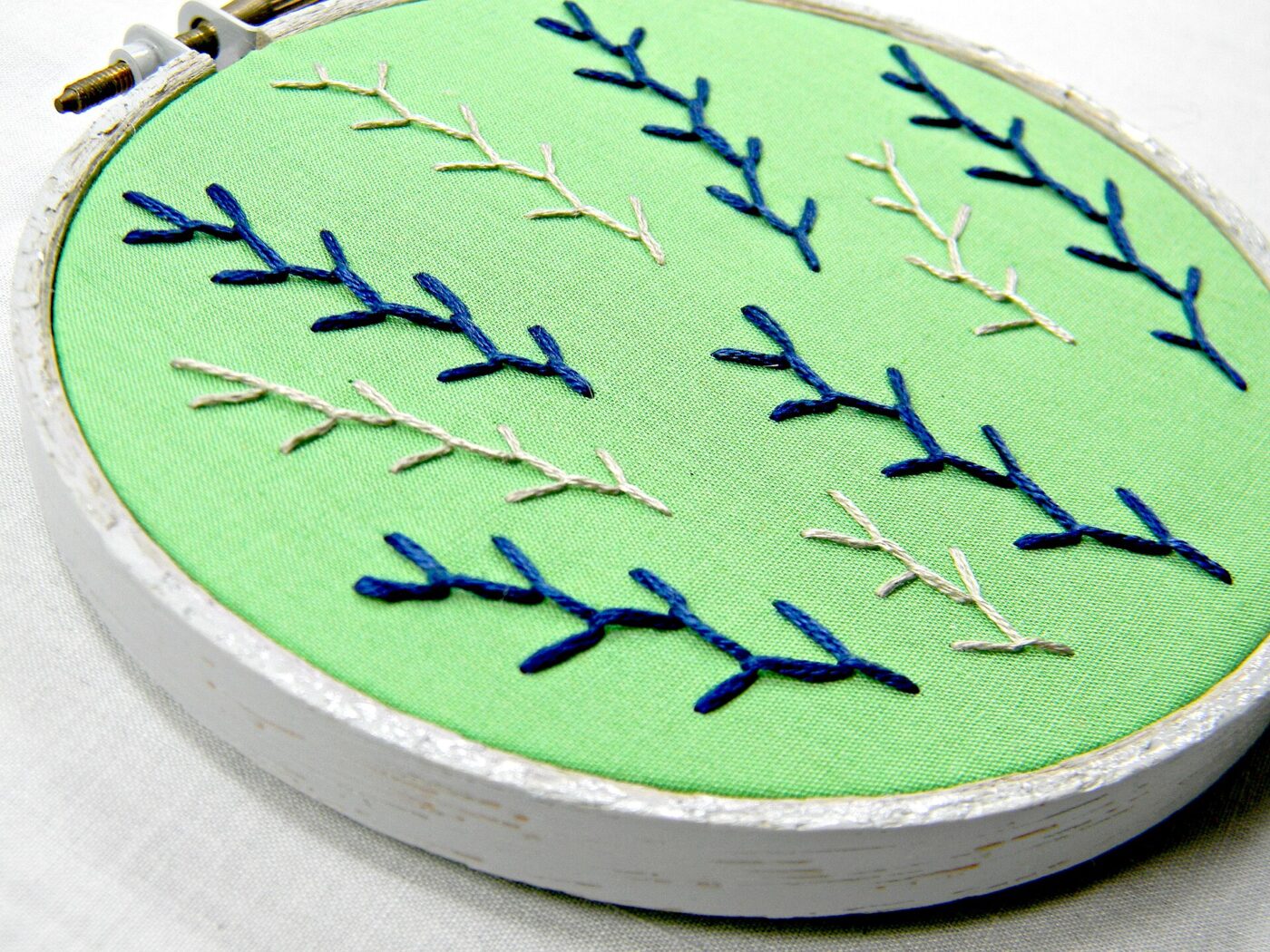
A hoop’s maximum embroidery area is the largest single design the machine can stitch without repositioning the fabric. Brother’s own spec pages make the gap concrete: the PE535, a common entry-level machine, lists a “4” x 4” Maximum embroidery area,” while the step-up PE800 lists “5” x 7”.” That difference decides whether a design fits in one hooping or has to be split.
A larger built-in design library does nothing about this ceiling. A 4×4 machine with five hundred fonts loaded still can’t stitch a 5×7 design bought afterward without shrinking it, splitting it into sections that have to be re-hooped and aligned by hand, or skipping it. None of that shows up on the spec sheet next to the design count.
A combo sewing-and-embroidery machine with a larger hoop costs more up front, but it is buying room for jacket backs, larger monograms and quilt blocks a 4×4 hoop simply cannot fit in one pass. The sewing side of a combo machine has its own mechanics worth understanding before buying — our guide to how feed dogs pull fabric through a sewing machine covers that half of the purchase.
Design count sells the machine. Maximum embroidery area is what actually limits what you can stitch on it.
File formats: why PES, DST, JEF and EXP don’t just convert cleanly

An embroidery file is not artwork the way a JPEG or an SVG is. It is a literal stitch-by-stitch instruction set — needle position, color-change order, trim points — and each machine brand reads its own native format for that instruction set, which is why a file that opens on one machine can fail to open on another.
Converting between formats is common, but it is not lossless. Embrilliance, a digitizing software maker, is direct about one specific gap: “Most embroidery formats do not support color, or support only a limited set of colors. In short, you cannot colorize a file perfectly in some formats like .jef and not at all in .dst or .exp.” A converted file can still stitch out correctly and hand back the wrong thread colors, or none at all, because the format it passed through never carried that information.
USB import gives a machine access to outside designs, but only within its own ecosystem. Brother’s PE800 spec page describes importing “from iBroidery.com or other sources” over USB — a real option, but one that still depends on the file being saved in, or converted to, the format that specific machine reads.
Digitizing software and what it actually buys you
Digitizing is the process of turning artwork into a stitch file in the first place, and it is a different skill from operating the machine. Software included with a beginner machine typically handles basic resizing and font work; dedicated digitizing programs add stitch-by-stitch editing, custom lettering and format conversion across the PES, DST, JEF and EXP family.
Free online converters exist for quick format swaps, and they can be a reasonable stopgap for an occasional project. The color-data gap described above applies to them the same way it applies to paid software — a converted file is worth opening and checking before it goes anywhere near a $20 shirt.
Stabilizers, thread and needles matched to the fabric
Stabilizer keeps fabric from stretching or puckering under the needle, and the two common types solve different problems: cut-away stabilizer stays permanently behind the stitching on stretchy or loosely woven fabric, while tear-away stabilizer is meant to be removed once the design is done, on fabric stable enough to hold its shape without permanent backing. Using the wrong one shows up as puckered stitching or a design that shifts mid-run.
Embroidery needles have a larger eye than a standard sewing needle, built for thicker embroidery thread rather than regular sewing thread, and a dull or wrong-size needle is a common cause of skipped stitches or thread breaks that get blamed on the machine or the design file instead.
Selling embroidered items: licensed designs and copyright
The U.S. Copyright Office’s own FAQ says protection attaches automatically: a work “is under copyright protection the moment it is created and fixed in a tangible form.” That includes a digitized embroidery design. Copyright doesn’t protect the underlying idea, but it does protect the specific expression — the exact digitized file — the moment someone creates it, licensed for resale or not.
A licensed character or a sports logo carries a second layer on top of that. The USPTO describes a trademark as identifying “the source of your goods or services” and helping “guard against counterfeiting and fraud.” Putting a recognizable logo or character on items made for sale, without a license that covers that use, is a trademark question as much as a copyright one.
The practical guidance is simple even without reading either agency’s full text: buy designs explicitly licensed for commercial use, read what that license actually covers, and don’t assume a free file found online is clear to put on anything sold for money.
A design bought for personal use doesn’t become commercial-use just because it stitches out fine on a 5×7 hoop.
The shortlist
Paid links: we earn a commission if you buy through the buttons below, at no extra cost to you. As an Amazon Associate I earn from qualifying purchases.
Compared on what actually limits a beginner machine
| Product type | Best for | Risk estimate | Where to buy |
|---|---|---|---|
| Embroidery Machine, 4×4 Hoop With USB Import | A small hoop to start on | 15/100 | See listings on Amazon |
| Combo Sewing and Embroidery Machine, 5×7 Hoop | More hoop room to grow into | 12/100 | See listings on Amazon |
| Embroidery Stabilizer Variety Pack | Keeping every format usable | 8/100 | See listings on Amazon |
Risk estimate is our editorial Fear Index for the product type (lower is safer), not a customer rating. How it is scored. The buttons open Amazon search results rather than one listing, so check the model on the product page.
Combo Sewing and Embroidery Machine, 5×7 Hoop
A 5×7 hoop is the difference between stitching a design in one pass and splitting it into sections that have to be re-hooped and lined up by hand.
- Fits designs a 4x4 hoop has to shrink
- Doubles as a full sewing machine
- Handles jacket backs and larger monograms
- Higher upfront cost
- Bigger machine to store
Embroidery Machine, 4×4 Hoop With USB Import
A 4×4 machine is a fair way to learn the software and the machine itself before spending more on hoop room a first project may not need yet.
- USB import for purchased designs
- Enough hoop for most monograms
- Lower cost to test the hobby first
- Maximum area caps every design bought
- Upgrade likely once interest grows
More: Hobbies and Making analyses and how the Fear Index is scored.
Questions people actually ask
What hoop size do I need for embroidery?
It depends on the designs planned. Brother’s PE535 tops out at 4×4 inches, enough for most monograms; its PE800 goes to 5×7, enough for larger designs without splitting them.
What’s the difference between PES, DST, JEF and EXP files?
They are brand-proprietary stitch-instruction formats, not artwork files. Embrilliance notes some, like .dst and .exp, carry no color information at all, so a converted file can stitch correctly with the wrong thread colors listed.
Can I sell embroidered items with licensed characters or logos?
Only with a license that covers commercial use. The Copyright Office says protection is automatic on creation, and the USPTO notes trademarks exist partly to guard against unauthorized use.
Can I convert a PES file to DST, or the other way around?
Yes, with digitizing software or a converter, but formats carry different information. Check color data and stitch quality on the converted file before using it.