Monitor Arms Fail at the Desk, Not at the Arm
Arms quote a weight range and a VESA pattern. The overlooked specification is what the clamp can grip and whether your desk can take it.

Part of the guide: Tech and Audio Buying Mistakes: What Fails and How to Check Before You Buy
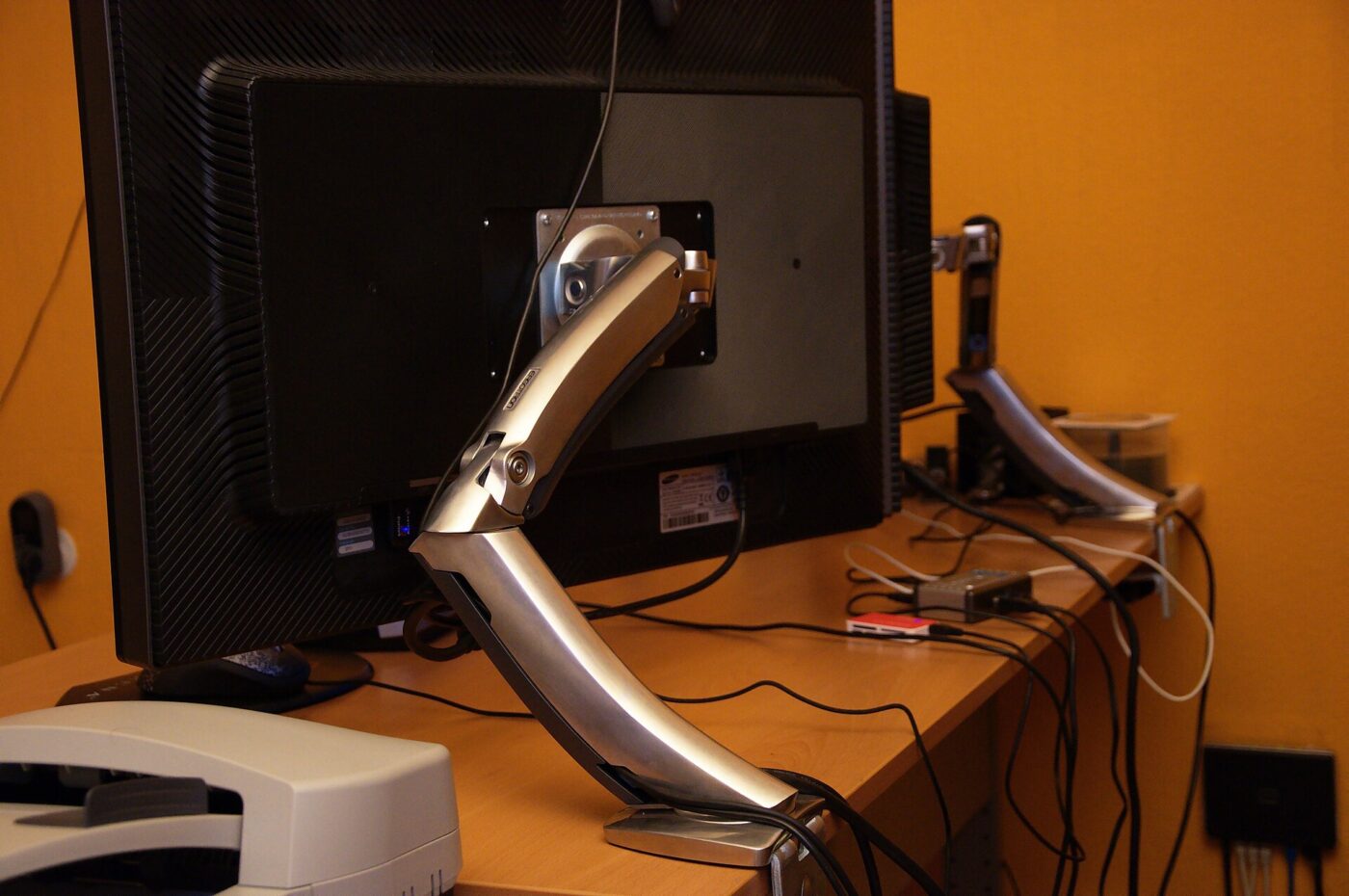
A monitor arm frees desk space, improves posture and makes a screen adjustable in seconds. It is one of the better small purchases for a desk.
It also introduces a cantilevered load onto a surface that was never specified for it, and that is where most of the problems happen.
Fear Index · Think twice
The specification on the box is not the limiting one
A clamp on a hollow-core desktop can crush the surface or pull through it, taking the monitor with it.
Three numbers to check
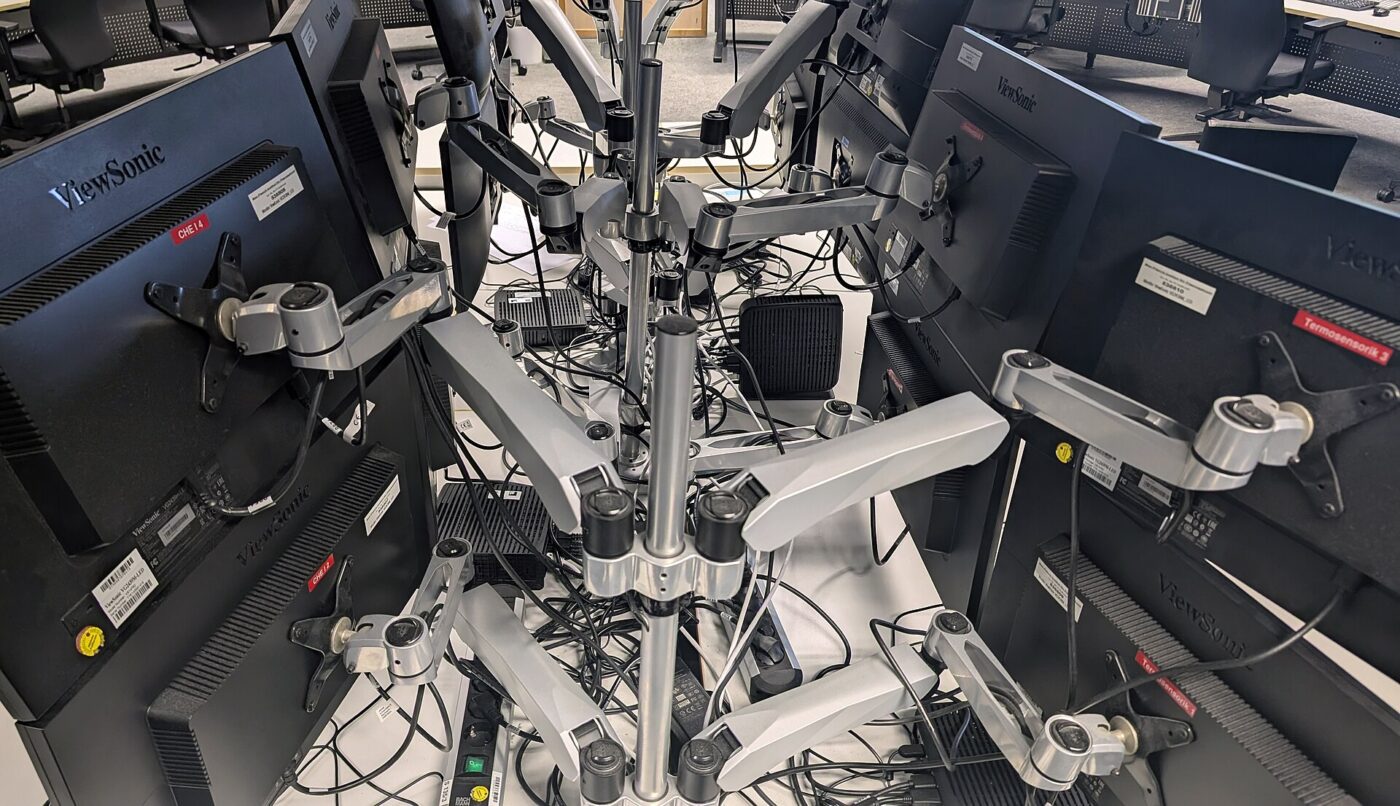
All three are on the arm’s specification and only one is usually read.
- Weight range, not maximum. Gas-spring arms are counterbalanced. A monitor lighter than the minimum will drift upward and not stay where you put it, which is as annoying as one that sags. The spring also stores energy: raise the arm to its highest position and let it settle before removing a monitor, or the empty arm can snap upward hard enough to catch a face or hand.
- VESA pattern. 75×75 mm or 100×100 mm covers most monitors. Many consumer screens have no VESA holes at all, and need an adapter bracket that clamps the stand mount.
- Clamp range. Usually something like 10–60 mm of desk thickness. Thick solid tops and thin glass both fall outside common ranges.
Weigh the monitor without its stand. Manufacturer weights usually include the stand, which can be a third of the total.
The desk is the real constraint
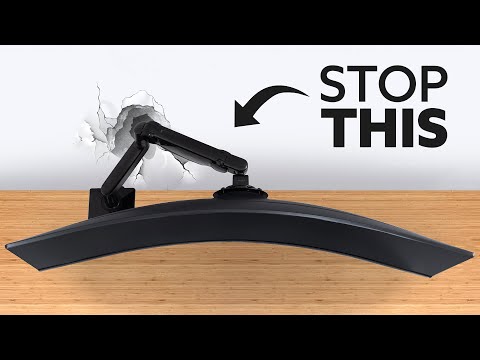
Many flat-pack desks are hollow-core: two thin laminate faces over a honeycomb card interior, with a solid edge strip only where the fittings go. A clamp tightened onto that crushes the surface, and a cantilevered monitor pulls at it constantly.
Four ways to handle it:
- Use a backing plate. A steel plate spreads the clamp load across a much larger area. Some arms include one.
- Use a grommet mount through an existing cable hole, which puts the load into a bolt through the full thickness.
- Mount near a leg, where the structure is strongest and deflection is least.
- For glass desks, check the arm is rated for glass specifically — most are not.
What a good arm gives you
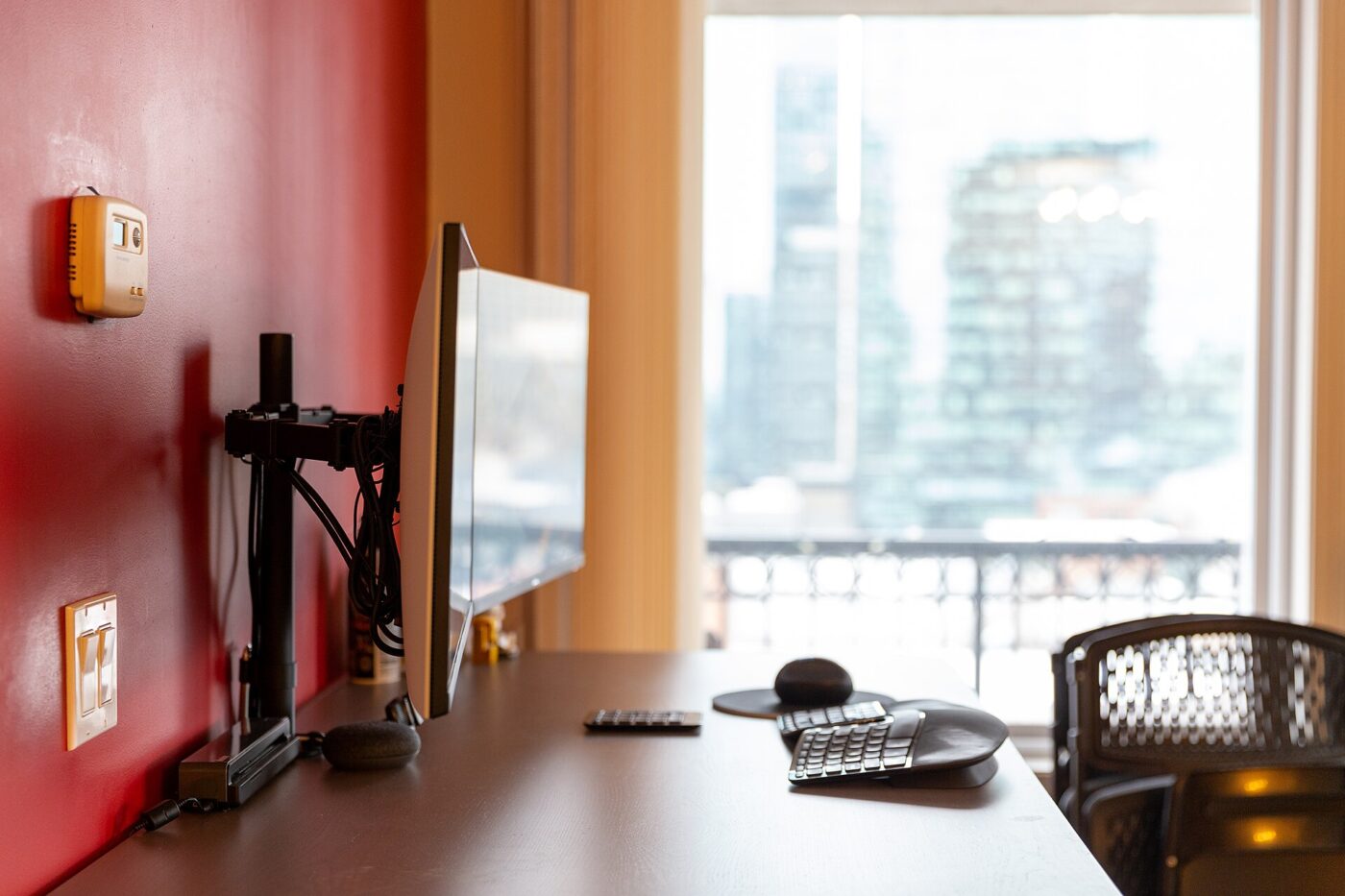
Beyond desk space, the practical wins are height and depth adjustment. Getting the top of the screen at roughly eye level, an arm’s length away, is one of the most effective changes for neck discomfort at a desk.
Gas-spring arms hold position and move with one hand. Spring-and-friction arms cost less, need tools to adjust and are fine if you set a position and leave it.
Cable management inside the arm is genuinely useful and is where cheaper arms visibly cut corners.
Installing it without damage
Assemble the base on the floor first and read the weight range before you buy, not after unboxing — an arm returned for the wrong weight class is a common and avoidable hassle.
When clamping, snug the screw down by hand and check for flex before tightening further; a clamp that needs serious force to stop moving is usually a sign the desktop is thinner or softer than the arm expects, not that it needs a harder turn.
If a specific model has a history of the clamp slipping or the spring failing, that shows up in CPSC’s recall and incident databases before it shows up in reviews — worth a quick check for a make and model you are not familiar with.
Route cables before final tightening, not after. Most arms have a channel or clips along the length of the arm, and it is much easier to seat a cable in an open channel than to thread it through a closed loop once the arm is mounted and loaded.
Leave slack at the monitor end. The arm moves through a range of positions, and a cable pulled taut at full extension will eventually strain the connector or the port it plugs into.
The shortlist
Paid links: we earn a commission if you buy through the buttons below, at no extra cost to you. As an Amazon Associate I earn from qualifying purchases.
Compared on mounting and load
| Product type | Best for | Risk estimate | Where to buy |
|---|---|---|---|
| Single Gas-Spring Monitor Arm | Single monitor | 24/100 | See listings on Amazon |
| Heavy-Duty Arm for Ultrawide | Heavy or ultrawide | 34/100 | See listings on Amazon |
| VESA Adapter Bracket | Non-VESA monitors | 28/100 | See listings on Amazon |
Risk estimate is our editorial Fear Index for the product type (lower is safer), not a customer rating. How it is scored. The buttons open Amazon search results rather than one listing, so check the model on the product page.
Single Gas-Spring Monitor Arm
Weigh the screen without its stand, check it sits inside the range, and check your desk thickness against the clamp.
- One-handed height and depth adjustment
- Holds position without tools
- Internal cable routing on better models
- Needs a monitor inside the weight range
- Clamp unsuitable for hollow desks without a plate
VESA Adapter Bracket
Many consumer monitors have no VESA holes. This solves it, at the cost of a little rigidity.
- Opens up arms to non-VESA monitors
- Cheap relative to replacing the screen
- Usually adjustable across sizes
- Adds weight and a little wobble
- Not compatible with every stand design